 easywall
GitHub ↗
easywall
GitHub ↗
First Run
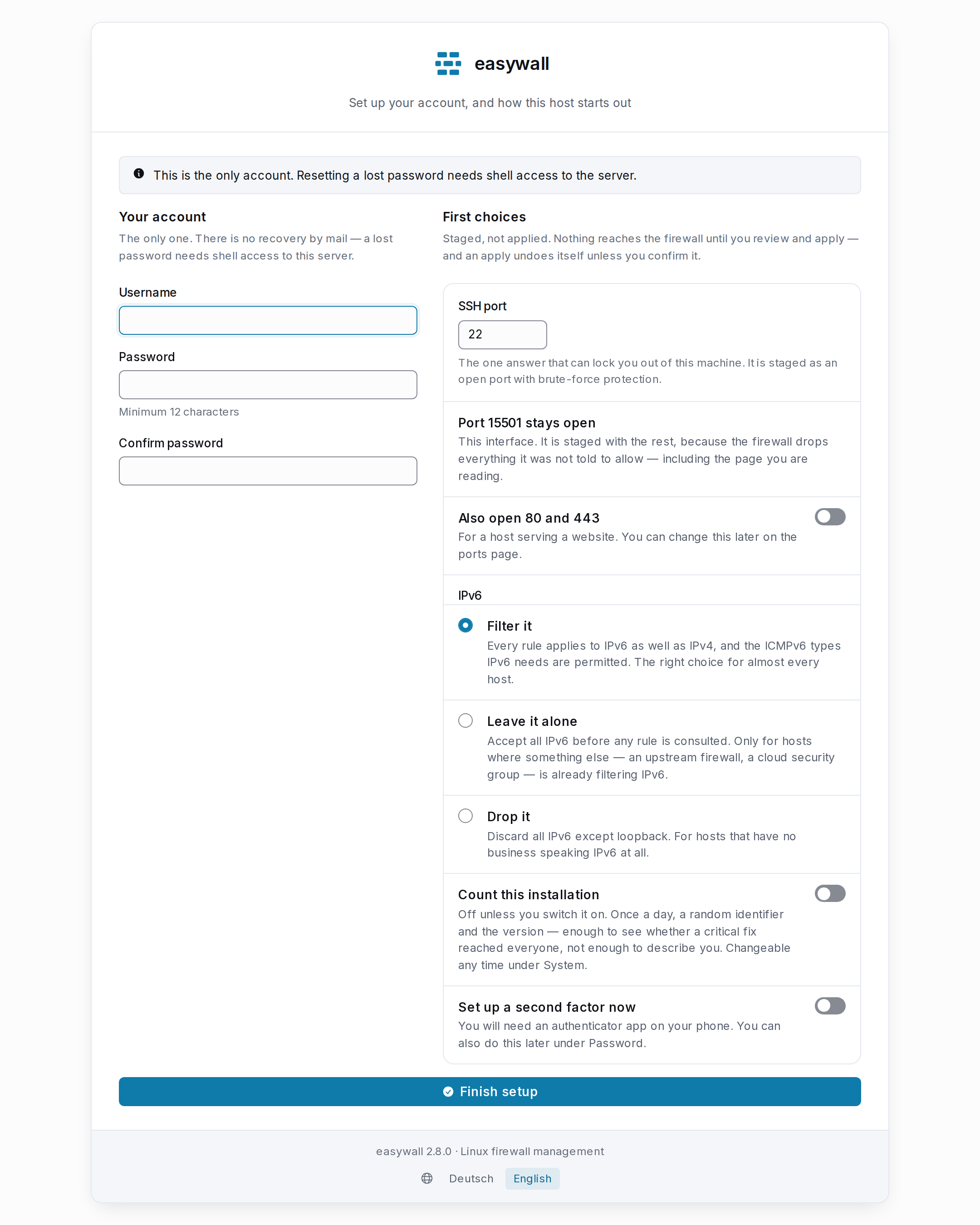
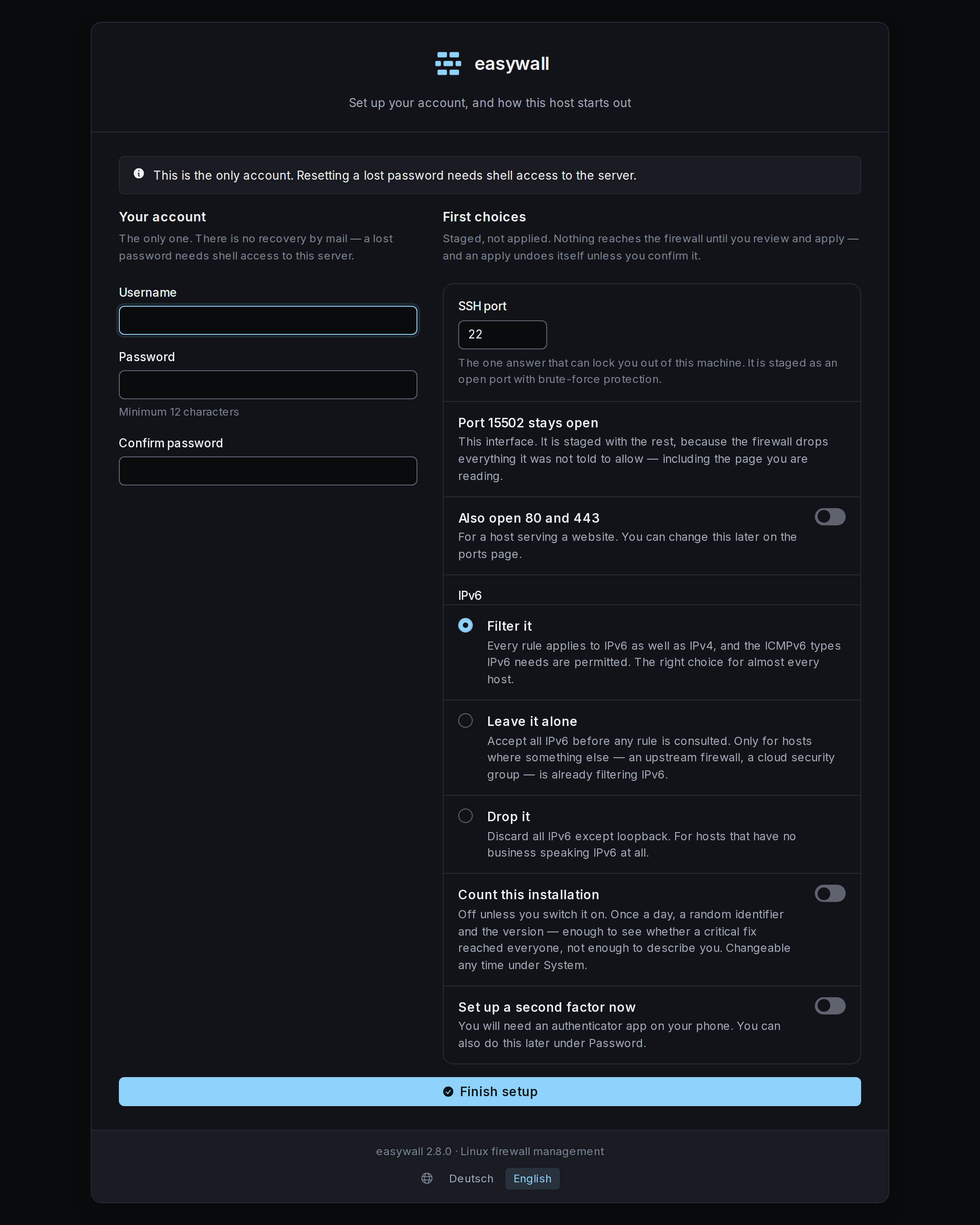
The first time you open https://<server>:12227, easywall serves the setup page
and nothing else. It asks for a setup token, then two things.
The setup token
The page is open to anyone who can reach port 12227, so it first asks for proof that you can read this server’s log. easywall-web prints a token there each time it starts without an account:
| Installed with | Fetch it |
|---|---|
| Docker | docker compose logs easywall \| grep 'setup token' \| tail -1 |
| Debian | sudo journalctl -u easywall-web -g 'setup token' \| tail -1 |
Paste the value after "token": — with or without its spaces.
| Valid | until the account exists, or easywall-web restarts. A restart prints a new one and the old one stops working |
| Lost it | restart easywall-web and read the new line |
| Stored | nowhere but the running process and that one log line |
Your account
| How many | one. easywall has no user management yet — roadmap |
| Password | at least 12 characters, with a digit and a symbol, hashed with Argon2id and a per-password salt |
| Recovery | none by design. No mail, no outside service — see below |
A second factor is mandatory. Finish does not create the account — it shows a setup step instead: the QR code, the typed key and the server’s own clock, exactly as on Second Factor. Only a confirmed six-digit code writes the account, together with eight recovery codes shown once.
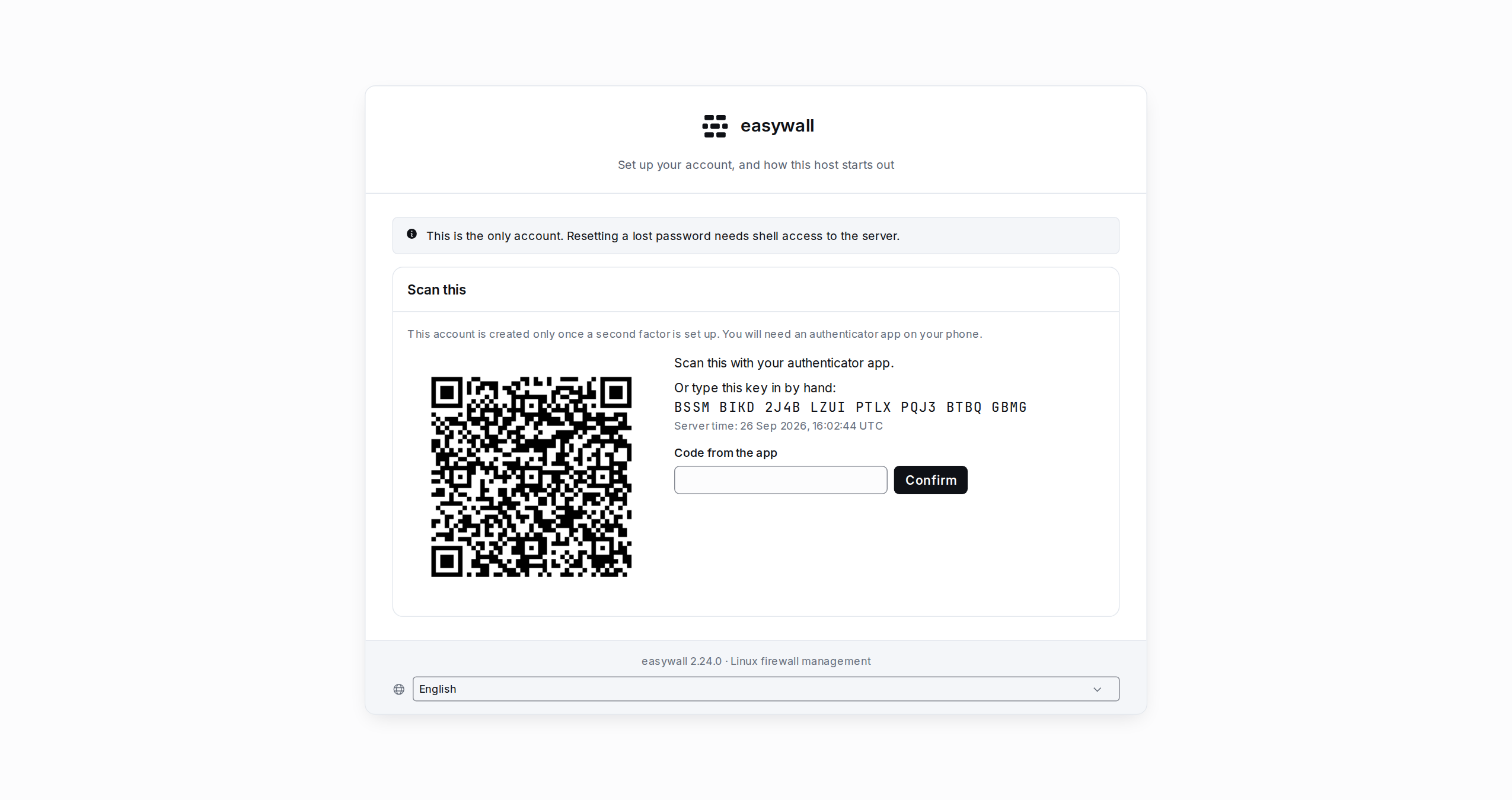
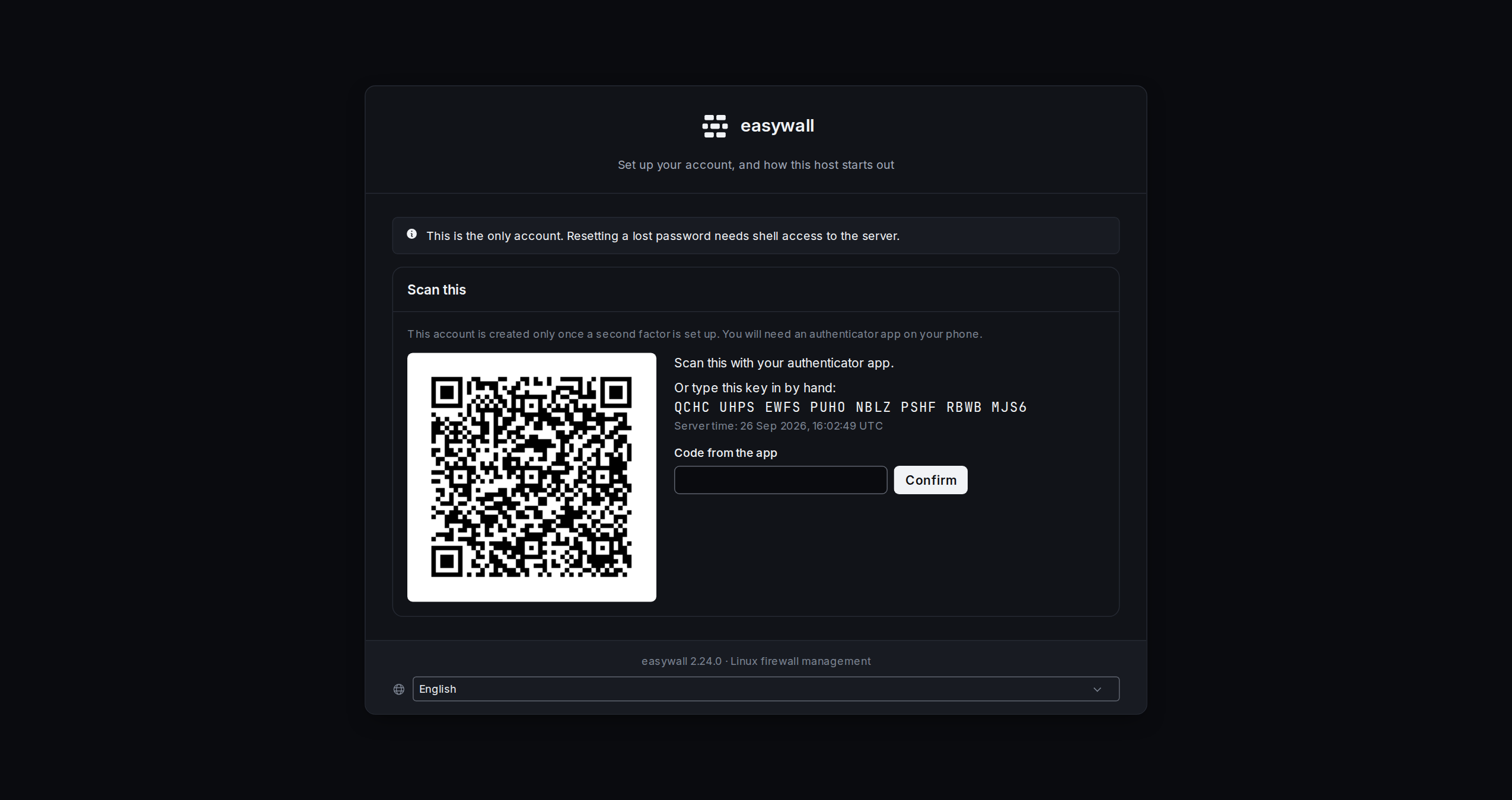
You need an authenticator app already installed and in hand to confirm it on this page. The first run is the moment an operator is least likely to have one. It happens mid-installation, on a machine that may not even have a browser tab to spare for scanning a QR code. The wizard does not offer a way to skip the factor — a password with no second factor is exactly the state this release makes unreachable. If a code simply never verifies, though, there is still a way through: see If the code never matches.
First choices — all of them staged
| Answer | What it does |
|---|---|
| SSH port | staged as an open TCP port with brute-force protection ticked. Default 22 |
| Port 12227 | added for you, because the firewall drops what it was not told to allow — including this page |
| Also open 80 and 443 | two more staged ports, for a host serving a website |
| IPv6 | filter it (almost always right), leave it alone, or drop it. Saved as a setting, not staged — it decides how every later rule is evaluated |
| Count this installation | off unless you switch it on. What it sends is printed in full under Configuration |
Staged means nothing is live yet. After signing in, review it on Ports and push it with Apply — which still undoes itself unless you confirm. The setup page is the worst possible moment to make an exception: nobody has yet checked that they can still reach the machine.
The SSH port is the one answer that can lock you out, so it is checked before the account is created. That happens while this page is still in front of you, so you can correct it.
What happens when you press Finish
- Finish validates the account fields and the SSH port, then shows the setup step described above — nothing is written yet.
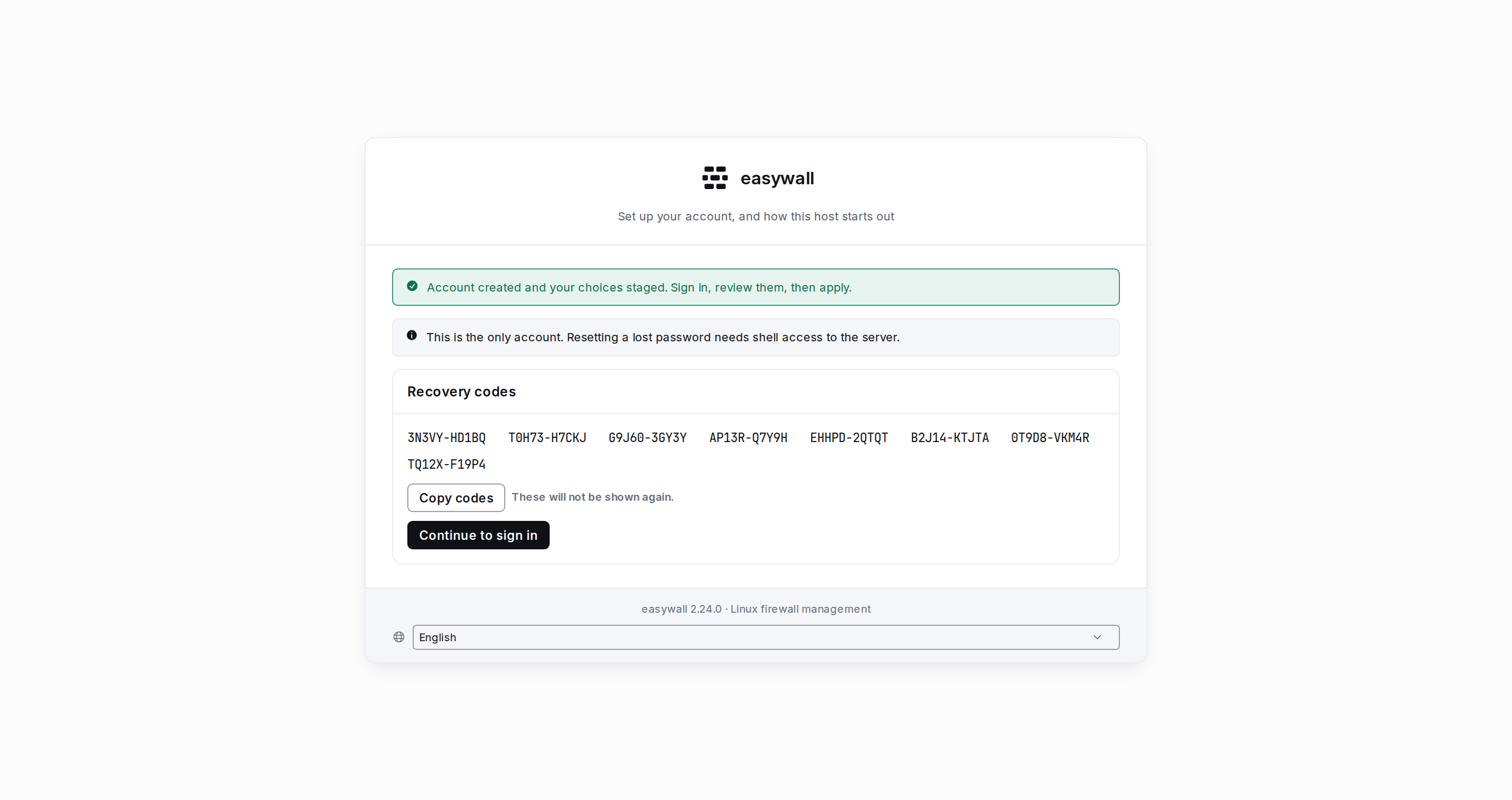
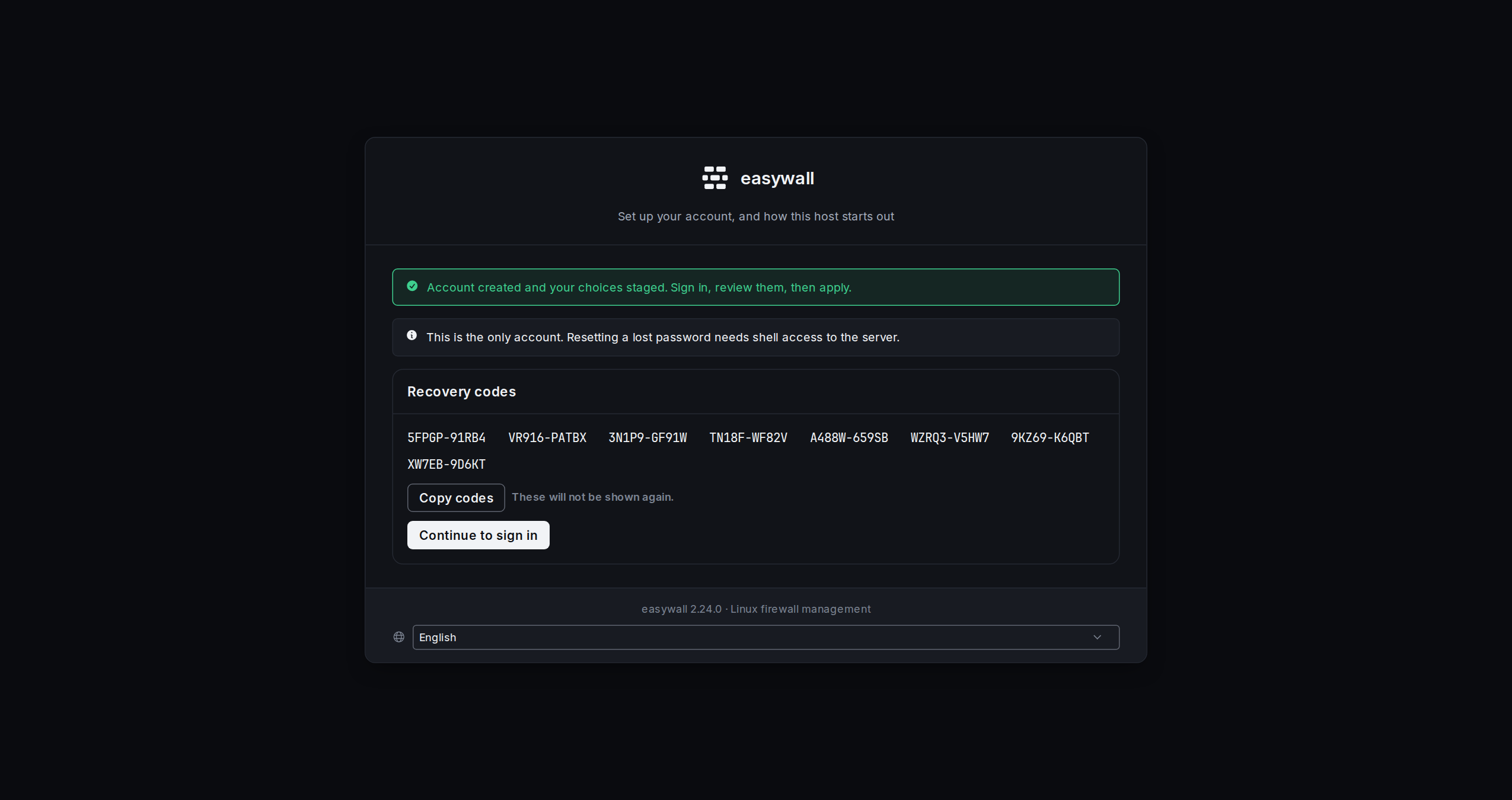
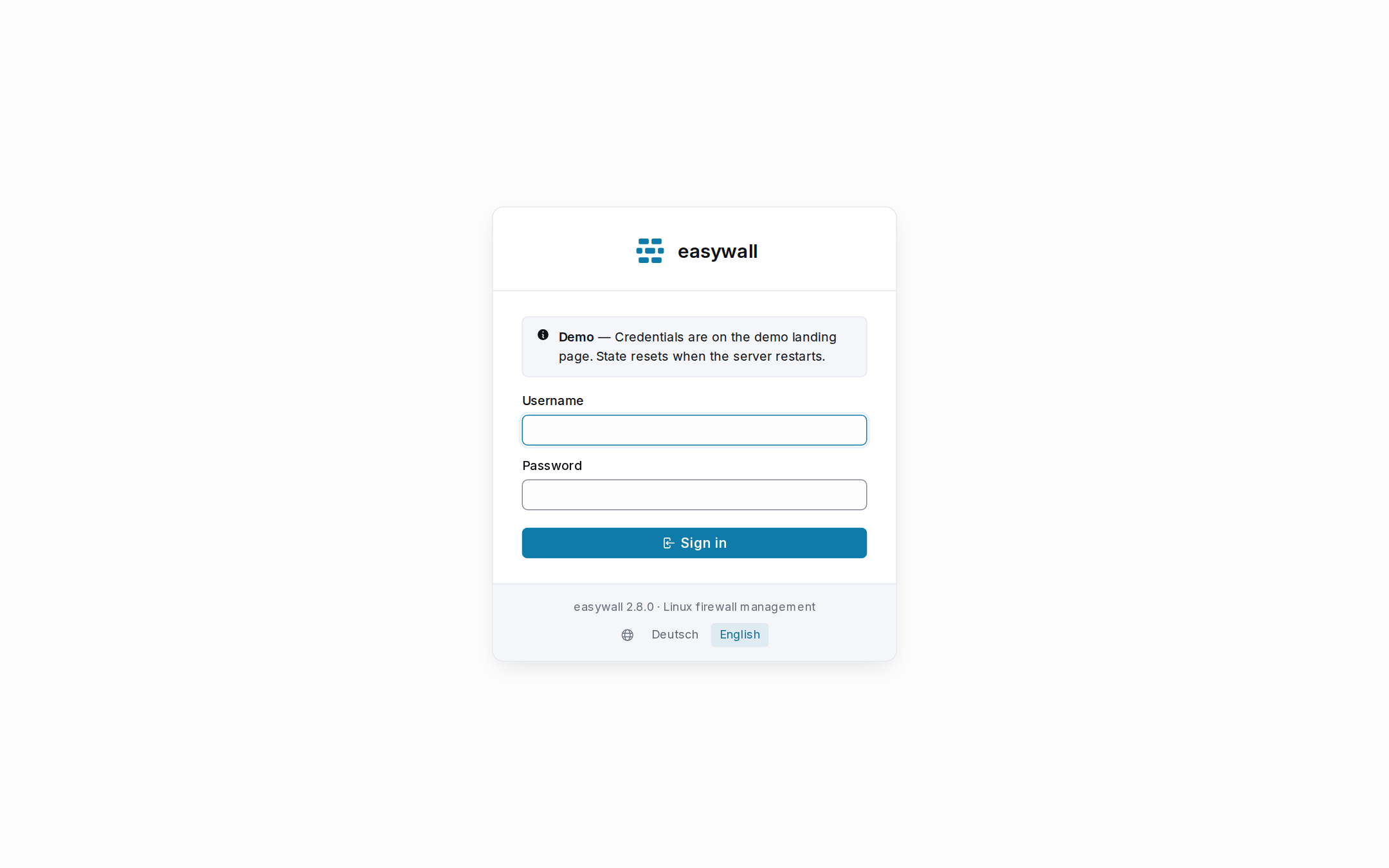
- Confirming a code writes the account, then stages the first choices, and lands you on the recovery codes: shown once and never again. Sign-in is a deliberate click from there, not a redirect.
- If the core daemon is not answering while the choices stage, that is the part that fails, and the recovery-codes page says so: “Account and second factor created… The initial choices could not be staged.” You can sign in and set them by hand.
If the wizard rejects something, every answer except the two passwords comes back with the page. Retyping a password does not silently reset your SSH port to 22.
If the code never matches
A code that never verifies almost always means the clock on this machine is wrong, not a mistyped digit. Confirm can tell a clock is off by up to five minutes, but it only ever accepts a code within thirty seconds of that. Anything wider than thirty seconds is refused the same way a flatly wrong code is. A board with no real-time clock can boot years off until NTP catches up, and neither is ever accepted.
After one failed attempt, the setup step offers a second way through:
| Reachable | only once a code has already failed — it is not on the page from the first render |
| Acknowledgement | a checkbox, not a link: “I understand my code will not verify…” has to be ticked |
| What it writes | the account, the secret already shown above, and eight recovery codes — the same write a confirmed code makes |
| What it does not do | skip the factor. The account this creates has one enrolled, unlike the skip path this release removes |
Sign in with one of the eight codes, then fix the clock. The authenticator already paired keeps working with no re-enrolment: the secret stored is the one already on screen when you chose this instead of a matching code.
Changing the password later
System → Password in the interface. You stay signed in on the device you change it from. Every other session is refused immediately, because each session carries a fingerprint of the password hash it was issued under.
If you lose the password
There is no reset link. Recovery means access to the host that holds
web.toml, and it differs by install path:
| Debian / systemd | Docker | |
|---|---|---|
| Edit | sudo sed -i -E 's/^password[[:space:]]*=.*/password = ""/' /etc/easywall/web.toml |
sudo sed -i -E 's/^password[[:space:]]*=.*/password = ""/' ./easywall-config/web.toml |
| Restart | sudo systemctl restart easywall-web |
docker compose restart easywall |
Clearing the password line reopens this page — with a fresh setup token,
since clearing the account is exactly what makes the host a first run again.
Read the new one the same way you read the first: journalctl -u
easywall-web -g 'setup token' | tail -1, or docker compose logs easywall |
grep 'setup token' | tail -1. The rules, the audit log and every other setting are
untouched — only the account is recreated.
Behind a reverse proxy
Read Behind a Reverse Proxy —
listing the proxy in trusted_proxies is what fixes the shared login limiter
and the audit log both recording the proxy’s own address.
When it does not work
| Symptom | Cause | Check |
|---|---|---|
| “That setup token does not match” | a typo, or easywall-web restarted after you copied it | fetch the newest line — see The setup token |
| The setup page 404s | an account already exists | go to /login; clear the password line to start over |
| “That is not a port number” | the SSH port is outside 1–65535 | |
| “the choices could not be staged” | the core daemon was not reachable | systemctl status easywall-core (Debian) or docker compose logs easywall (Docker), then set the ports by hand |
| The browser warns about the certificate | it is self-signed on first start | accept it, or configure your own — Debian · Docker |
| Signed in, but every page says the core is unreachable | the socket is not reachable by the web user | ls -l /run/easywall/core.sock — it must be root:easywall |
| “Too Many Requests” on sign-in | five failed attempts in ten minutes from your address | wait; one attempt is returned every two minutes |
Next: Applying rules · Ports · Configuration