 easywall
GitHub ↗
easywall
GitHub ↗
Port Forwarding
Traffic arriving on one port is served by whatever listens on another, on this
host. 8080 → 80 means a request to 8080 reaches the service on 80.
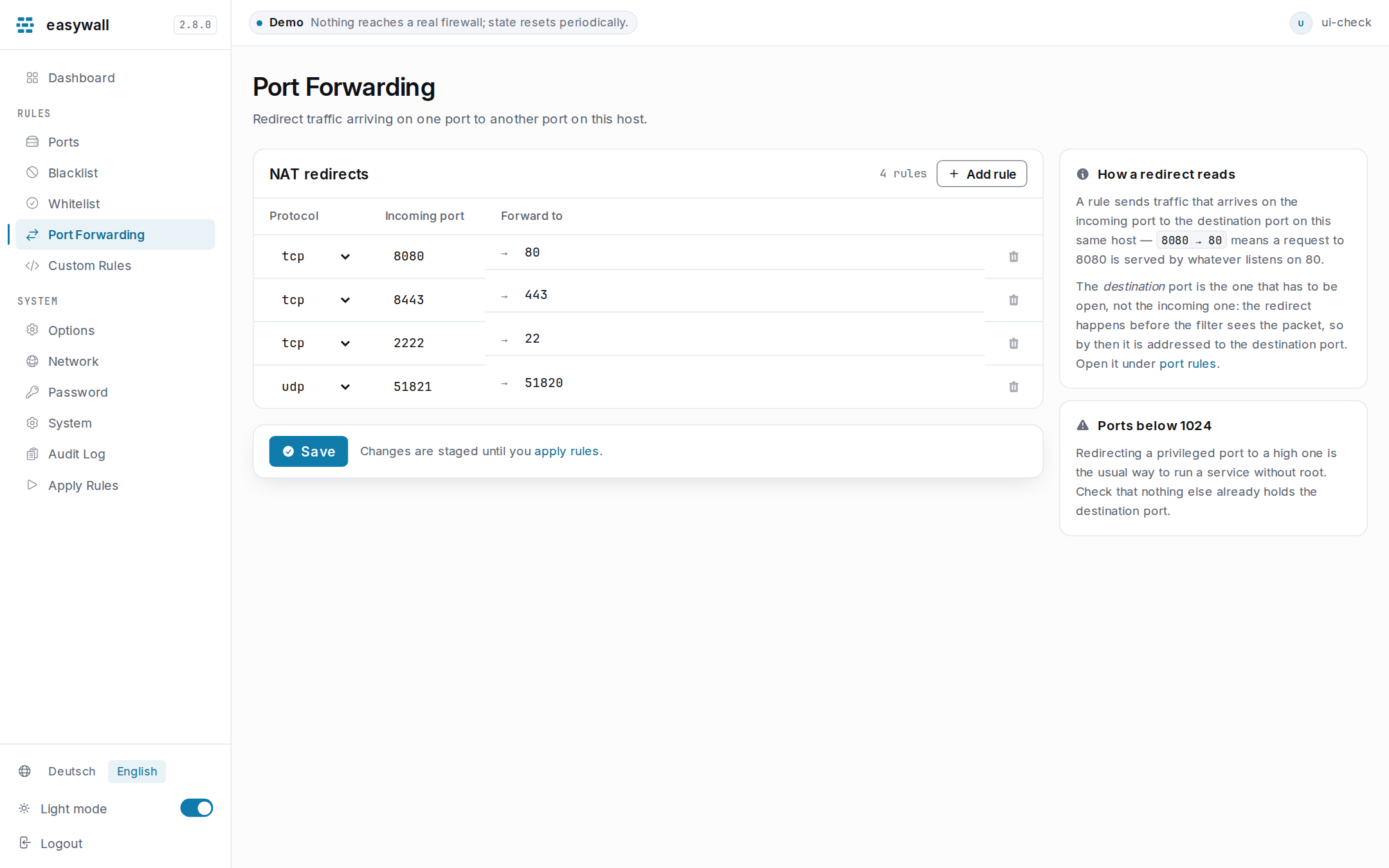
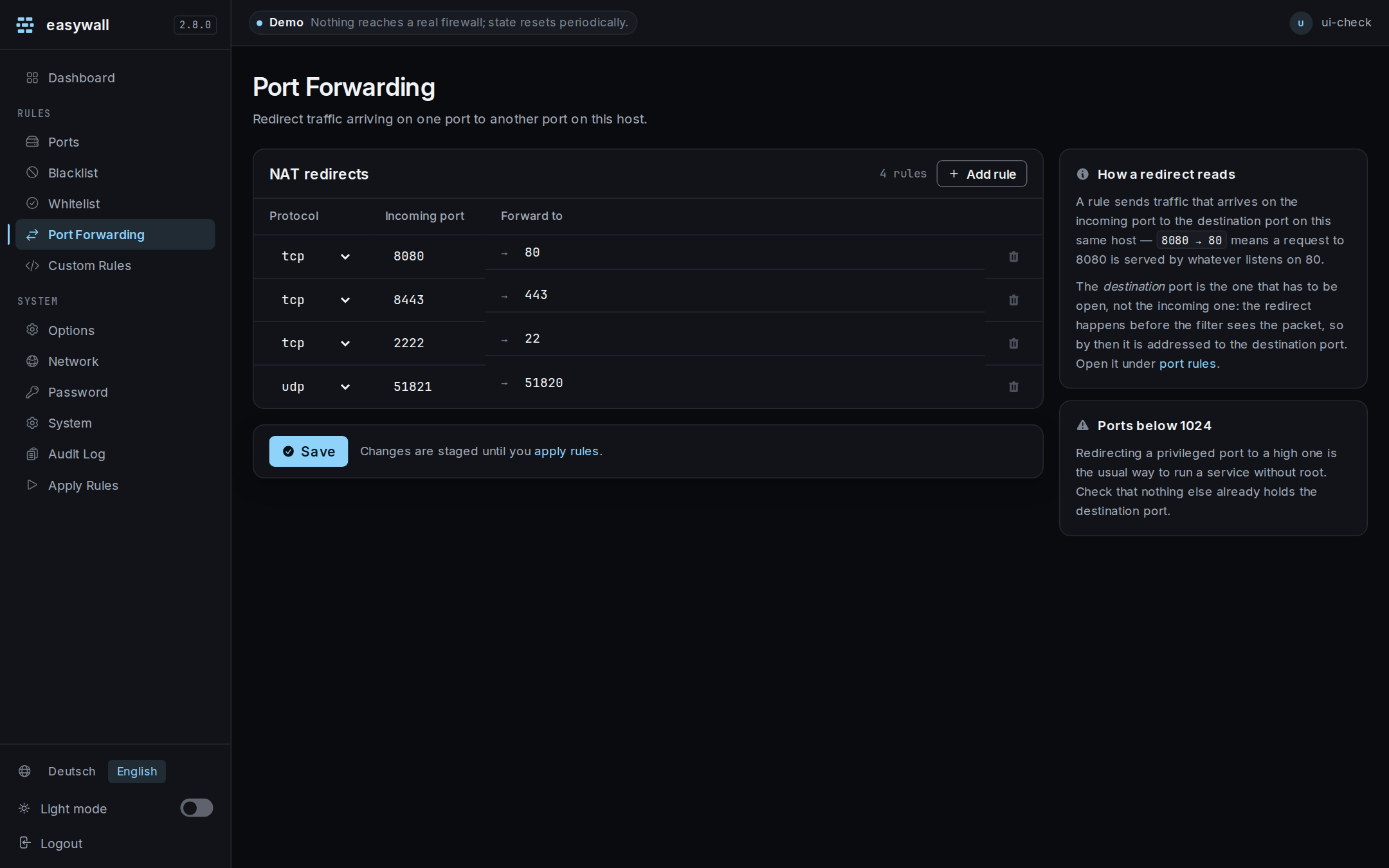
What a rule is
| Field | Values | Meaning |
|---|---|---|
| Protocol | tcp or udp |
matched on the incoming packet |
| Incoming port | 1–65535 | the port the packet arrived on |
| Destination port | 1–65535 | the port that serves it |
Both ports are required. A row missing either is refused with a message rather than saved half-finished.
Open the destination port, not the incoming one
This is the one thing that catches people, and it follows from where the redirect happens.
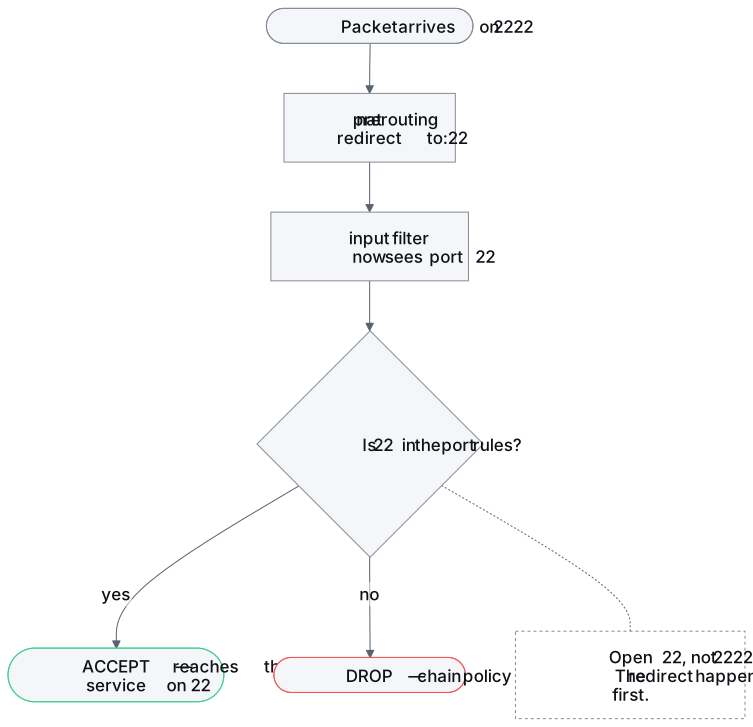
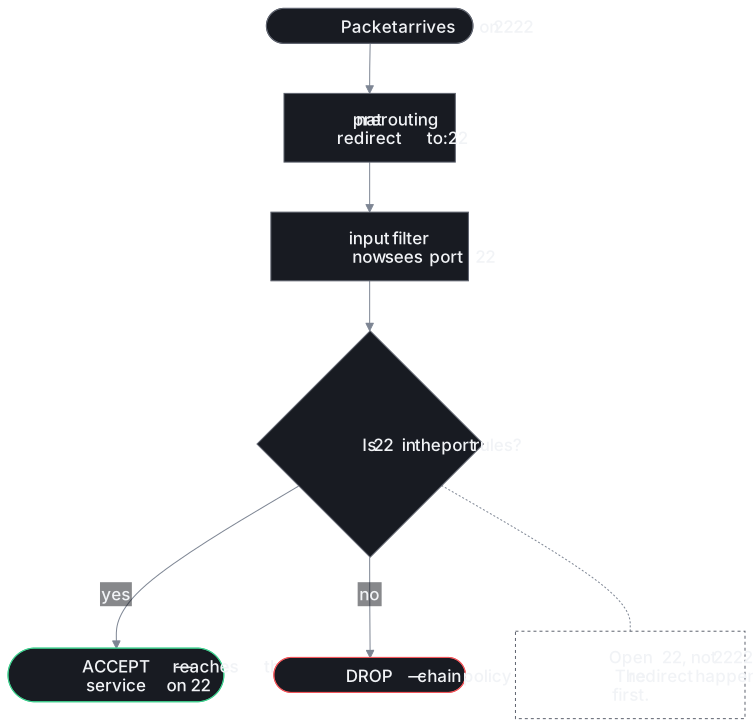
NAT prerouting runs before the input filter. By the time the filter looks at the packet, its destination is already the port you redirected to — so that is the port your port rules must open.
| Redirect | Open in port rules | Not |
|---|---|---|
2222 → 22 |
22 |
|
8080 → 80 |
80 |
|
51821 → 51820 (udp) |
51820 |
This was the other way round before 2.5.0. The rule matched the destination port and redirected to the incoming one, so the documented example produced
tcp dport 22 redirect to :2222. It captured SSH on 22 and sent it where nothing was listening. The guidance named the wrong port to open, too.
What it is not
| Why | |
|---|---|
| Not forwarding to another machine | the kernel statement is redirect, which retargets a port on this host. There is no destination-address field, and easywall writes no rule that can send traffic elsewhere |
| Not a way past the firewall | the redirected packet goes through the input chain like any other — blocklist, protection modules and port rules all apply |
| Not for traffic passing through | only packets addressed to this host are redirected |
Ports below 1024
Binding a port under 1024 needs root, which is exactly what a service should not have. Run it on a high port and redirect:
| Service listens on | Redirect | Open |
|---|---|---|
| 8080, as an unprivileged user | 80 → 8080 |
8080 |
| 8443, as an unprivileged user | 443 → 8443 |
8443 |
Check that nothing already holds the destination port — two things cannot listen on it, and the redirect will not say so.
Nothing happens until you apply
Saving stages. It reaches the firewall on Apply.
When it does not work
| Symptom | Cause | Check |
|---|---|---|
| Connection refused on the incoming port | The destination port is not open in the port rules | Add it under Ports |
| Nothing listening on the destination | The redirect succeeded and there is no service | ss -tlnp \| grep <dest> |
| Works locally, not from outside | A redirect on lo is a different path; test from another host |
|
| Saved but nothing changed | Not applied yet | Go to Apply rules |
| The row vanished when you saved | It no longer does — an incomplete row is refused with a reason, and stays on screen | |
| Redirecting to another host | Not supported, by design — see What it is not |