 easywall
GitHub ↗
easywall
GitHub ↗
The idea
A firewall you edit over the network can lock you out of the machine you are editing it on. easywall makes that recoverable by default.
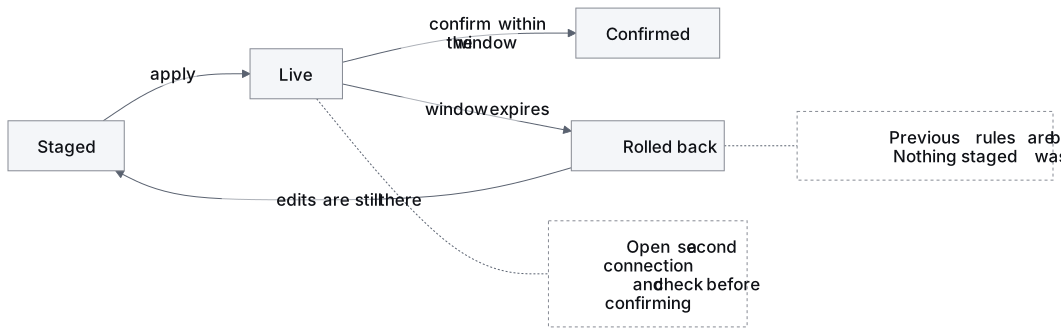
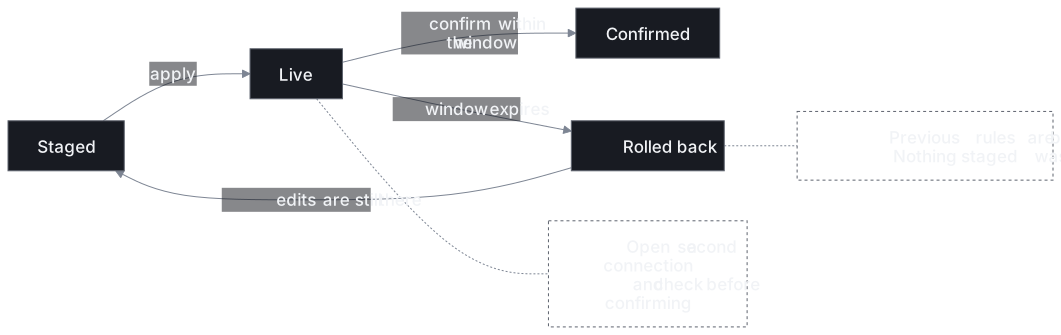
Editing changes nothing. Applying changes everything — for 120 seconds. Not confirming — whether by choice or because you can no longer reach the page — is what brings the old rules back.
What it is made of
| Two processes | the web interface runs unprivileged and has no path to the kernel |
| netlink, not a shell | rules are Go structs, so there is no command line to inject into |
| Three rule sets | Staged, Current, Backup — editing and enforcing are separate |
| Audit log | every change records what moved and when, in one JSON object per line |
| Coexists with Docker | easywall owns table inet easywall and touches nothing else |
| English, Deutsch, Français | switchable in the interface, including before you sign in — and a partial translation renders English for what it is missing |
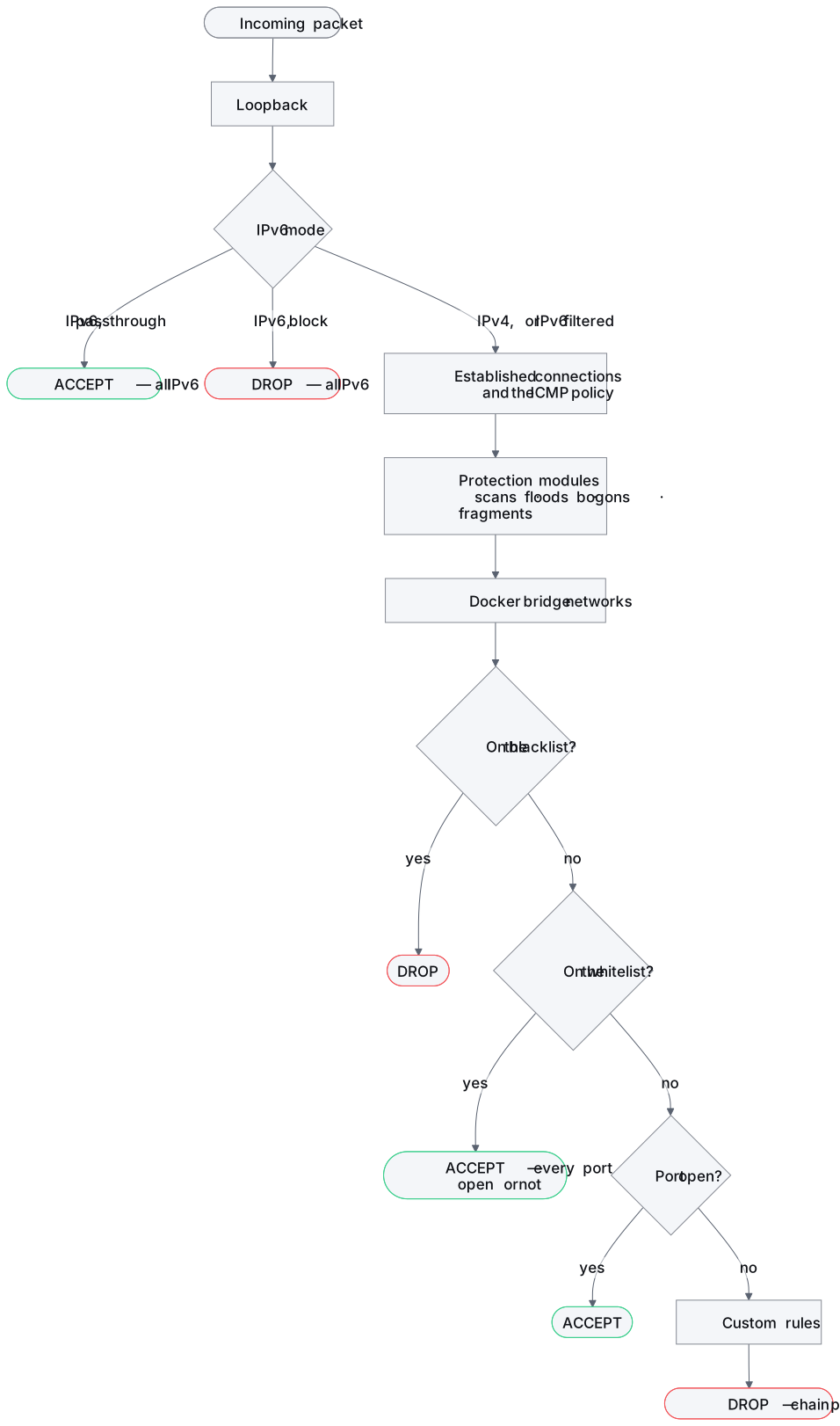
The order rules are evaluated
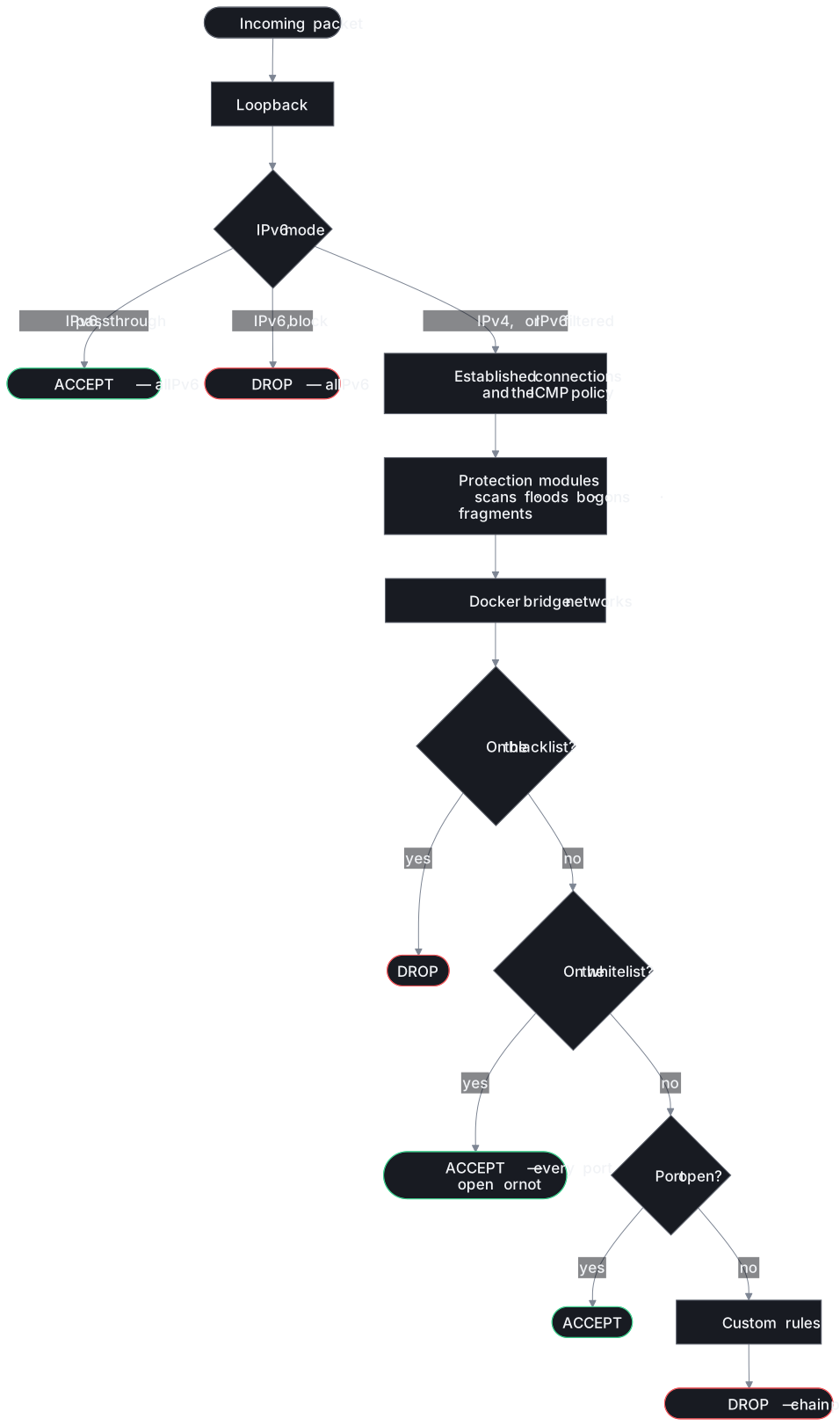
The one thing worth knowing before you write a rule. An allowlisted address reaches every port; a blocklisted one is dropped before the allowlist is ever consulted.
Where to start
| You want to | Go to |
|---|---|
| Install on Debian or Ubuntu — amd64 or arm64 | .deb package |
| Run it in a container | Docker |
| Build from source | Manual install |
| Try it without installing anything | Live demo · Demo mode |
| Know what the setup page is asking | First run |
| Put rules into the kernel, safely | Applying rules |
| Understand the design | Architecture · Security |
| See what is planned | Roadmap |
| Contribute or ask | Contributing · Discord |