 easywall
GitHub ↗
easywall
GitHub ↗
Applying Rules
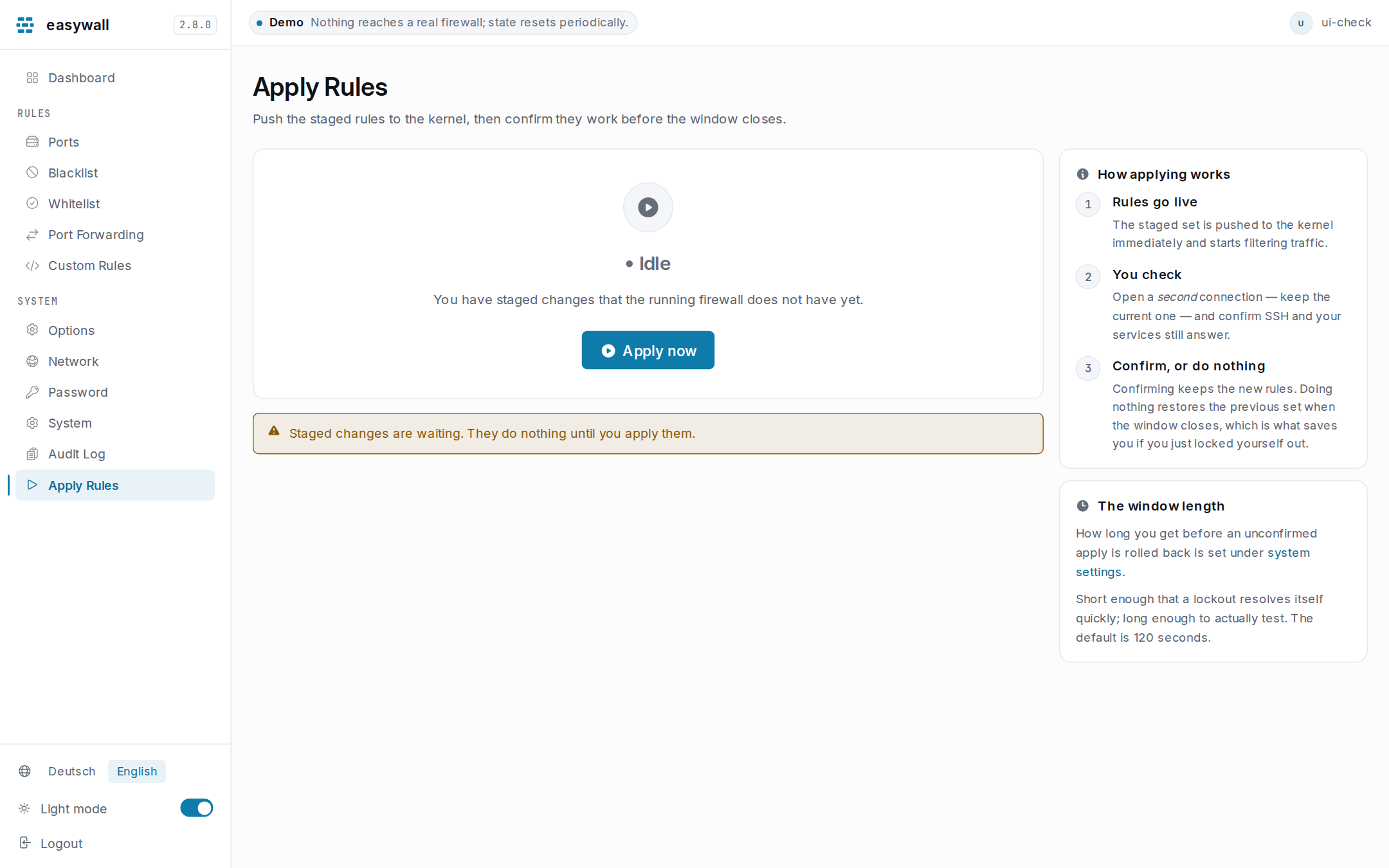
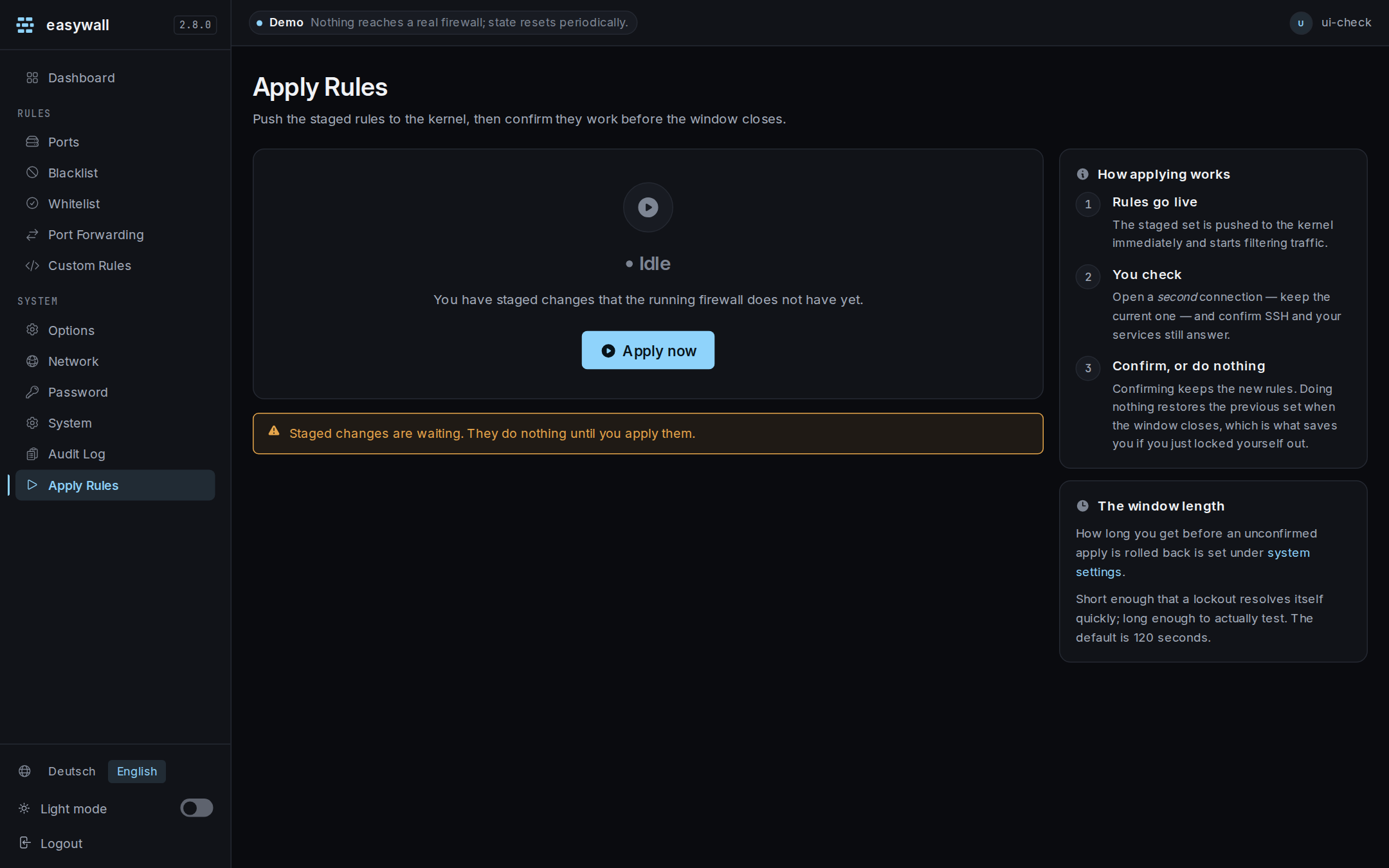
Every other page stages. This one is where staged rules become the running firewall, and it is the only page that changes what the kernel is doing.
The three steps
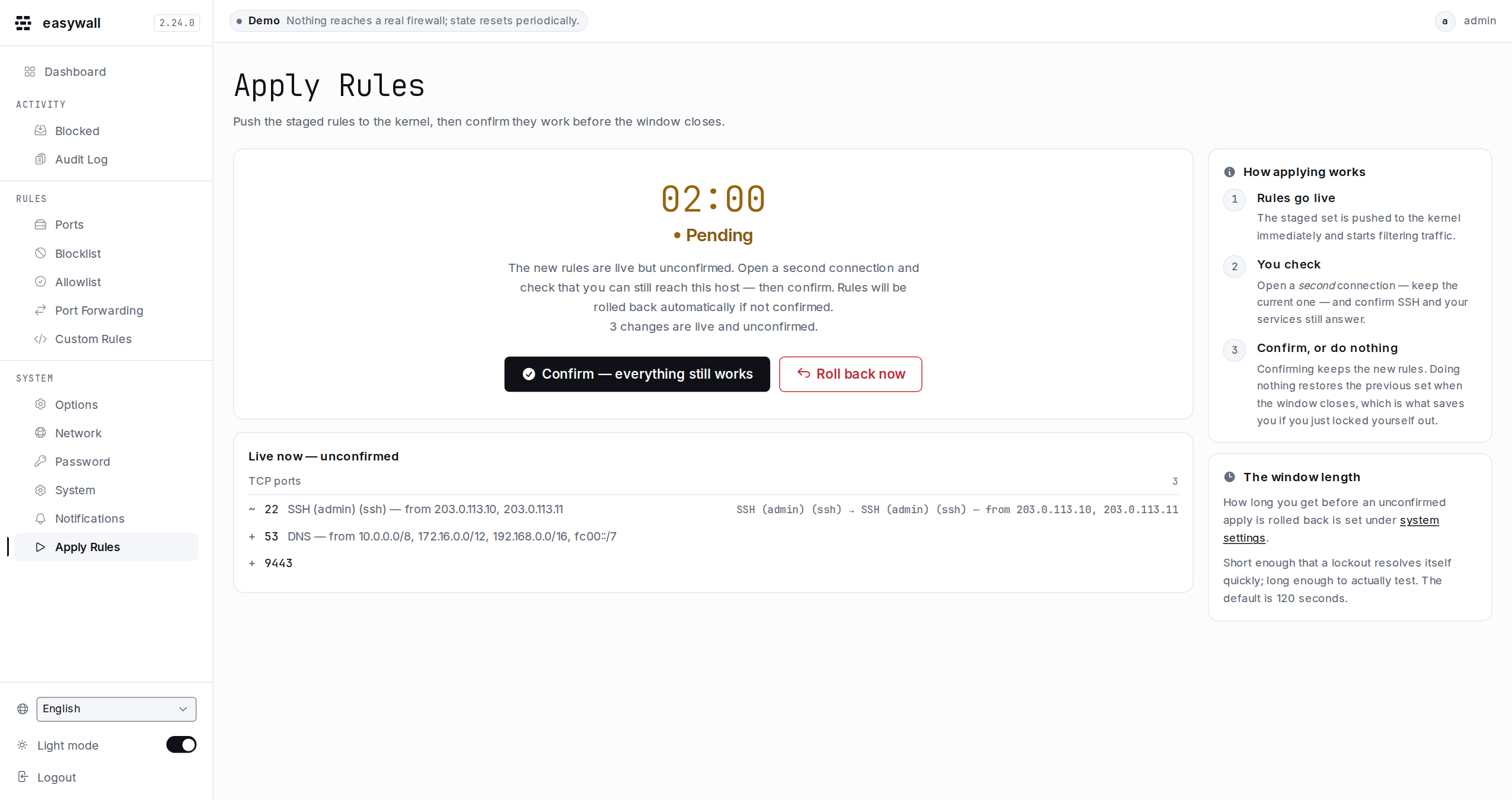
| 1 | Rules go live | The staged set is pushed to the kernel and starts filtering immediately |
| 2 | You check | Open a second connection — keep the current one — and confirm SSH and your services still answer |
| 3 | Confirm, or do nothing | Confirming keeps the new rules. Doing nothing restores the previous set when the window closes |
Doing nothing is the recovery. Not confirming is what brings the old rules back — whether you decide against the change, or you can no longer reach this page at all. The window is 120 seconds by default, configurable from 10 to 3600.
What changes, before you press Apply
The page lists every difference between the staged set and the running one — ports, addresses, forwards, custom rules — and the configuration changes that go in with them. An options or network change is a pending change like any other: it is written to the daemon’s config immediately and takes effect at the next apply. Until 2.10 this page said there was nothing to apply while the options page was telling you to.
Add and remove are +, - and ~ in the left column and carry no colour. A
new blocklist entry is not good news, and a removed port is not a failure.
Colour on this page means firewall state, and it belongs to the line above the
list.
Whether it still admits a new connection from you
Above the list sits one line naming the address your request came from and the port this interface answers on, with one of three verdicts:
| reachable | a new connection from that address is accepted by the staged set |
| blocks new connections | it is not — the Apply button becomes Apply anyway, and the window is what catches you |
| cannot tell | something in the path cannot be decided from here, and the line says which |
It is about a new connection, and that is the point. Applying rules flushes
and rebuilds the table; it does not touch conntrack. The connection your browser
already has stays ESTABLISHED, matches the established/related rule, and keeps
working. So this page can go on answering while the firewall admits nobody new.
Confirming from it would confirm a lockout — open a second connection and check
there, exactly as step 2 says.
Cannot tell is not a hedge. Three things are not knowable from the web interface, and each says so in its own words rather than guessing:
- The bogon filter matches on which interface a packet arrives at, and nothing in the web interface knows that.
- An auto-detected Docker bridge network is settled in the core at apply time, which is also not knowable from here. A network you named yourself in the Docker settings is different, and gets a plain reachable.
- Custom rules are raw nftables and are appended after everything else.
A wrong blocks new connections would cost the trust the true one needs.
What the status card says
| State | Meaning | What to do |
|---|---|---|
| Idle | the running firewall matches what is staged | nothing |
| Staged changes | you have edits the firewall does not have yet | apply them |
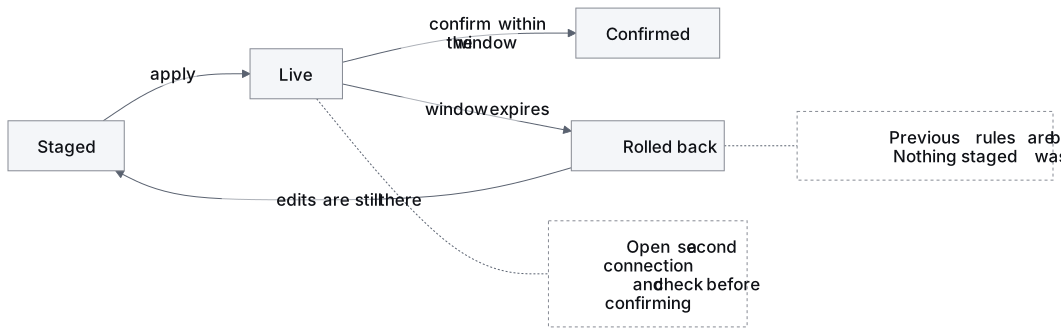
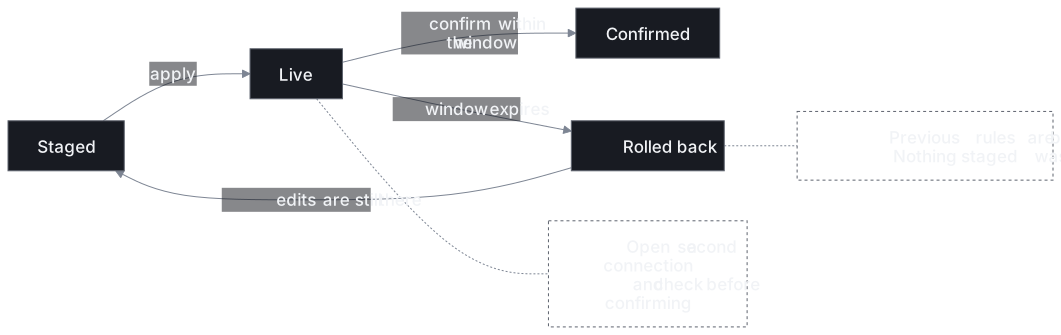
| Waiting for confirmation | live but unconfirmed, the window is open | check a second connection, then confirm |
| Confirmed | the rules stay | nothing |
| Rolled back | the window closed unconfirmed; the previous rules are back — on a first apply that means the firewall is off again, because there were none | your staged edits are still there — review and apply again |
A rollback loses nothing you staged. It undoes what went live, and the edits that caused it are still on their pages.
While the window is open
- The countdown lives in the core daemon, not in your browser. Closing the tab,
losing the connection or restarting
easywall-webconfirms nothing. - Stopping
easywall-corecounts as not confirming: the rules roll back before it exits. A restart inside those two minutes is an ordinary event, and it used to leave the unconfirmed set in place with nothing left to undo it. - A second apply is refused while one is running, with a message rather than a silent second timer.
- The window keeps the length it started with. Changing the duration mid-window affects the next apply.
When the acceptance window is switched off
An apply is then final and there is no automatic way back. That setting exists for machines you can physically reach — see system settings.
When it does not work
| Symptom | Cause | Check |
|---|---|---|
| “Nothing staged to apply” | you saved nothing since the last apply | the dashboard says whether changes are pending |
| Applied, then everything came back as it was | the window closed without a confirmation | the audit log shows apply_rolledback with detail timeout |
| The apply failed outright | the kernel refused a rule — usually a custom rule | journalctl -u easywall-core carries nft’s own message |
rollback_failed in the log |
the new rules did not take and the old ones did not come back | the worst outcome there is; check the daemon’s log and the running table with nft list table inet easywall |
| Your SSH dropped right after applying | that is the design | do nothing; the window restores the previous rules, and on a first apply it takes the firewall back down altogether — the audit log then reads boot_not_configured |
| “Another change is being written” | one window is open, or a feed refresh is loading | confirm it, or wait for it to expire; after a refresh, press Apply now again |
Next: Dashboard · System settings · Architecture