 easywall
GitHub ↗
easywall
GitHub ↗
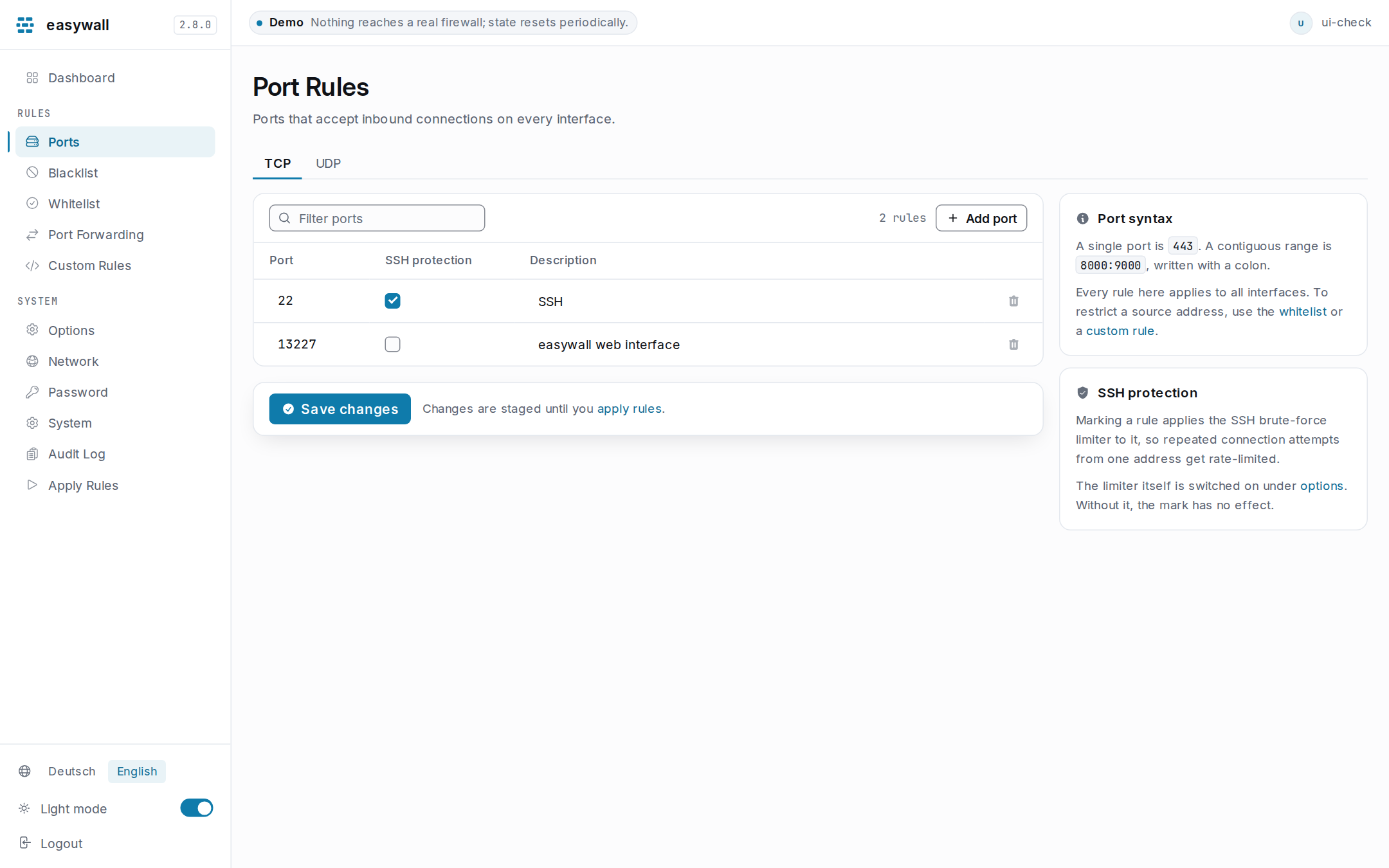
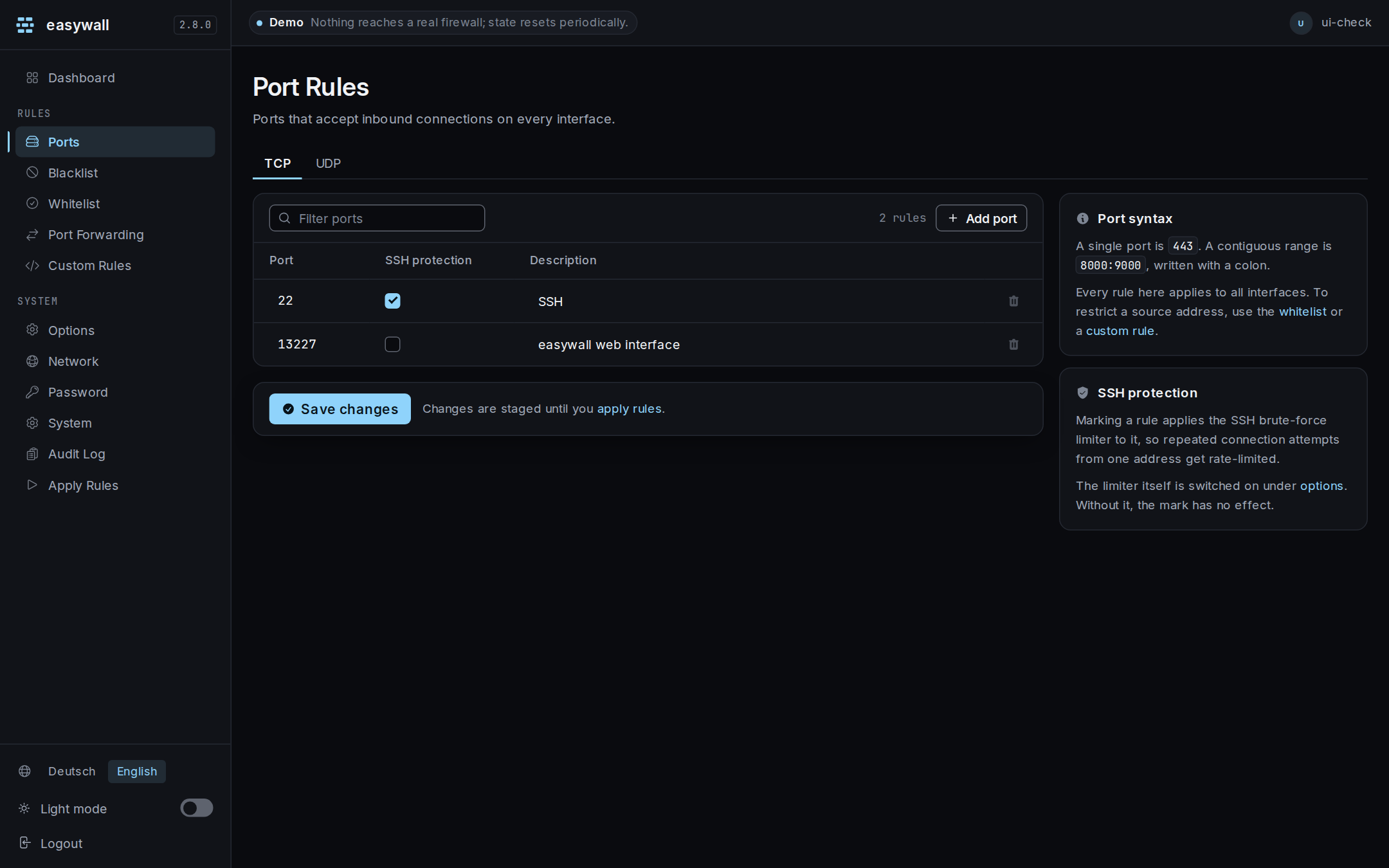
Port Rules
Ports that accept inbound connections on every interface. TCP and UDP are separate tabs; a rule is a port, a scope, an optional SSH mark, and a description for your own benefit.
What you can write
| Form | Example | Opens |
|---|---|---|
| Single port | 443 |
one port |
| Range | 8000:9000 |
8000 to 9000, inclusive |
1–65535, ranges ascending.
Scope: where the rule is checked
Traffic addressed to this host arrives on a different chain from traffic this host passes on to a container. Scope says which one a rule is written for.
| Scope | The rule covers | Chain |
|---|---|---|
| This host | connections to this machine’s own addresses — the default, and what every rule written before 2.19 means | input |
| Forwarded | connections this machine passes on, which is what a published container port is | forward |
| Both | the same port, wherever it arrives | both |
A forwarded rule does nothing until
published_portsisfiltered. At the key’s default Docker decides who reaches a published port, and easywall takes no verdict there. This page warns above the table when that is the case, rather than leaving a rule that enforces nothing looking like one that does. The key lives ineasywall.toml, and Docker Coexistence says what switching it on closes.
A forwarded rule names a port, not a container. Two containers publishing 8080 on different addresses are one rule and one verdict. Splitting them needs a destination the rule cannot yet carry.
Sources works the same in either scope, and so does the last-used counter. SSH
protection does not: the brute-force chain is an input module, so the mark is
only meaningful on a rule this host receives.
Who may reach it
Sources is a comma-separated list of addresses and networks. Empty means everyone — what every rule written before 2.11 means, and still the default.
| Sources | Opens the port to |
|---|---|
| (empty) | everyone |
192.168.1.5 |
one address |
10.0.0.0/8, 192.168.0.0/16 |
two networks |
# not decided yet |
nobody — a comment is not an address |
Each usable entry becomes its own nft rule, matched on the source address before the port is tested. An allowlist entry is still the way to allow an address on every port at once.
A network is matched by its network address.
10.9.9.9/24is applied as10.9.9.0/24— 255 addresses more than you typed, and this page does not echo the normalised form back. Ordinary CIDR behaviour, but here it decides who can reach the port.
IPv6. The catalogue’s private networks suggestion fills in RFC 1918 and
fc00::/7. A LAN numbered out of global IPv6 space is not covered by any constant. Add that range yourself, or the restriction locks you out over IPv6 while looking correct over IPv4.
Last used
The right-hand column says when the rule on that line last accepted a packet. Every rule easywall writes carries a kernel counter tagged with the rule’s own id, read every five minutes and once more immediately before each write to the kernel. Rebuilding the table resets every counter in it, so the figure is booked before that happens rather than lost with it.
The counter follows the rule, not the port number. A rule keeps its identity for as long as it exists — that is what lets you edit the sources or the description without throwing its history away. Renumber a row from
22to9999and the date beside it is still that row’s own history. It can read 9 minutes ago for a port nothing has ever reached. To start clean, delete the row and add the new port as a new one.
| The column says | It means |
|---|---|
just now, 3 days ago |
the last packet this rule accepted, to the resolution of the collection interval |
never |
this rule has accepted nothing since easywall started counting it |
— |
nothing is known: the rule has no id yet, or the counters could not be read |
never and — are different claims and the difference matters. never is a
measurement — this port has been open and nothing has come through it, which is
what makes it worth closing. — is the absence of one, and a rule you have just
added shows it until the next page load.
A rule that has never been used is not counted on the dashboard. The tile says 2 unused for 30+ days, and it can only say that about rules with a recorded use to date it from. A rule that has never carried anything has no date at all, so it is left out of the count and reads
neverhere instead. Both are worth acting on; only one can be given a number.
Custom rules carry no counter. They are raw nftables statements written through to the kernel as text, and easywall cannot tag one without changing what you wrote. The custom rules page has no such column, rather than a blank one that would read as never used.
The SSH limiter counts separately. A connection dropped by the brute-force limiter never reaches this rule and is not counted here. That is the right answer for a column headed Last used: it says what got through, not what knocked. The first is what you need to decide whether to close the port.
Reading the counters costs one netlink read of one chain. [usage] interval in
the configuration reference sets
how often, and 0 stops it — an apply still collects, so the column keeps
advancing, just at the resolution of your applies.
The catalogue
Add from catalogue appends the rows a service listens on, with a suggested restriction filled in — everything editable, nothing applied until you apply it. The service name is kept on the rule as a label. It decides nothing: an entry that is later corrected or removed leaves your rule exactly as it was.
This page needs JavaScript. Not only the catalogue button — the whole port editor. Rows are collected in the browser and submitted as one field, which is how this table has always worked, and the same is true of port forwarding. The blocklist, allowlist and custom-rule pages are plain textareas and do not need it.
Mark your SSH port
Ticking SSH protection routes that port through the brute-force chain, which rate-limits new connections per source address.
Mark it even on a non-standard port. The chain is applied per port, so 2222 is protected exactly like 22 — but only if you tick it. If you mark nothing, easywall meters 22 by default, which is the wrong port on a hardened host.
Metering is not opening. Since 2.11 the chain hands the packet back to the rest of the input chain instead of accepting it, so a port is open only if a rule opens it. Before 2.11 a marked-nothing host had 22 accepted by the module alone.
Each source address gets its own budget, so somebody else being rate-limited does not affect you. An allowlist entry does not exempt you from it, though — protection modules are consulted before the allowlist, as the rule order shows.
The mark alone does nothing unless the module is switched on under options — it is on by default, limit 5.
Common sets
| Server | TCP | UDP |
|---|---|---|
| Web | 80, 443 |
— |
25, 465, 587, 993, 995 |
— | |
| DNS | 53 |
53 |
| WireGuard | — | 51820 |
| Minecraft | 25565 (Java) |
25565 (Bedrock) |
| SSH, moved | 2222 ✓ SSH protection |
— |
Nothing happens until you apply
Saving stages. Deleting stages too — the rule keeps working until you apply.
When it does not work
| Symptom | Cause | Check |
|---|---|---|
| Port open, connection refused | Nothing is listening | ss -tlnp \| grep <port> |
| Port listed, still blocked | Not applied yet | Go to Apply rules |
| Blocked despite being open | The source is on the blocklist, which is checked first | |
| SSH drops right after Apply | That is the design — do nothing and the old rules come back | |
| A published container port is refused | The rule’s scope is This host, so it was written for the wrong chain | Set it to Forwarded and check published_ports |
| Your own SSH is rate-limited | You hit your own brute-force budget | Wait a minute, or raise ssh_brute_force_connection_limit. The allowlist does not help: modules run before it |