 easywall
GitHub ↗
easywall
GitHub ↗
Second Factor
A stolen password alone no longer opens the firewall.
Switching it on
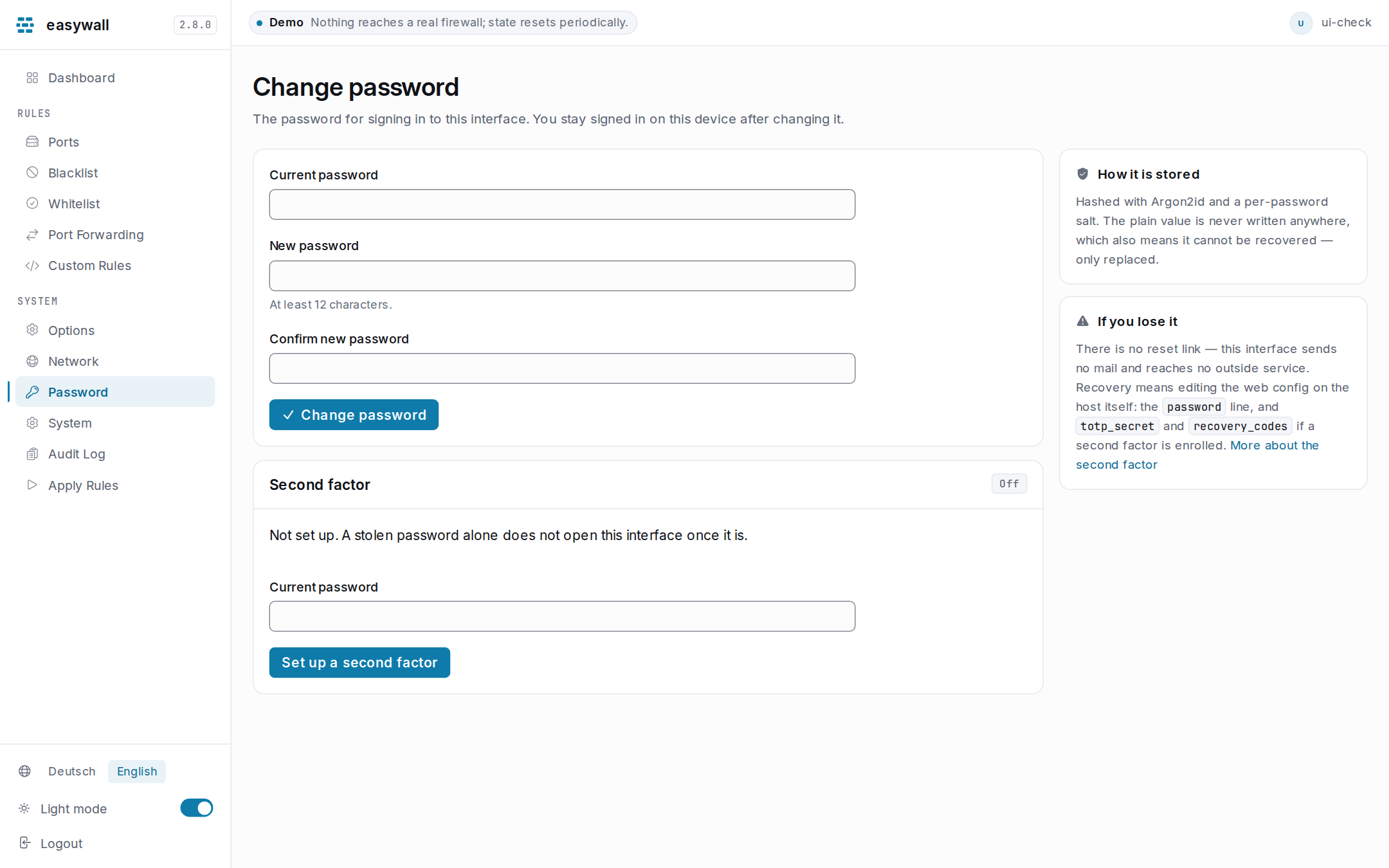
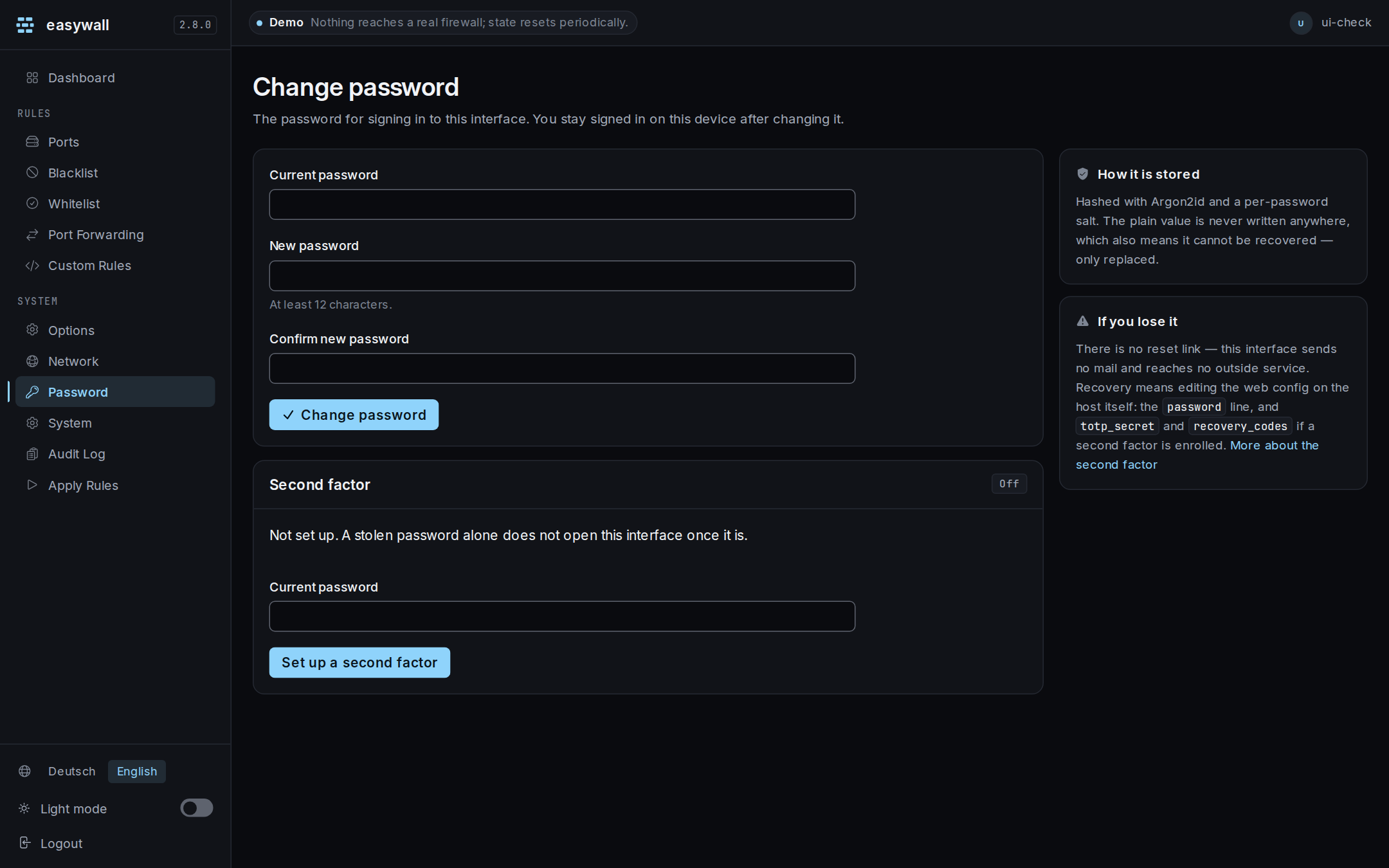
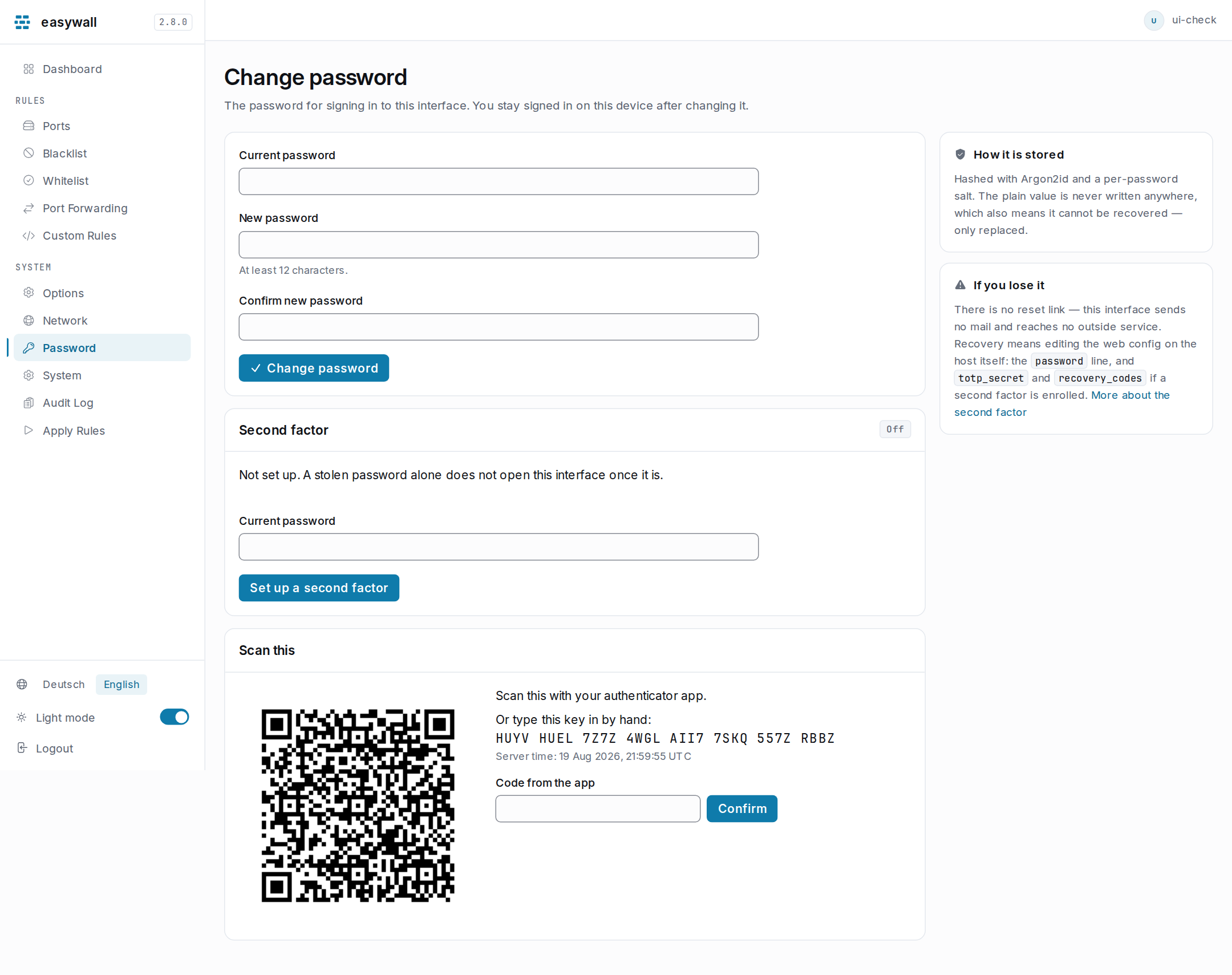
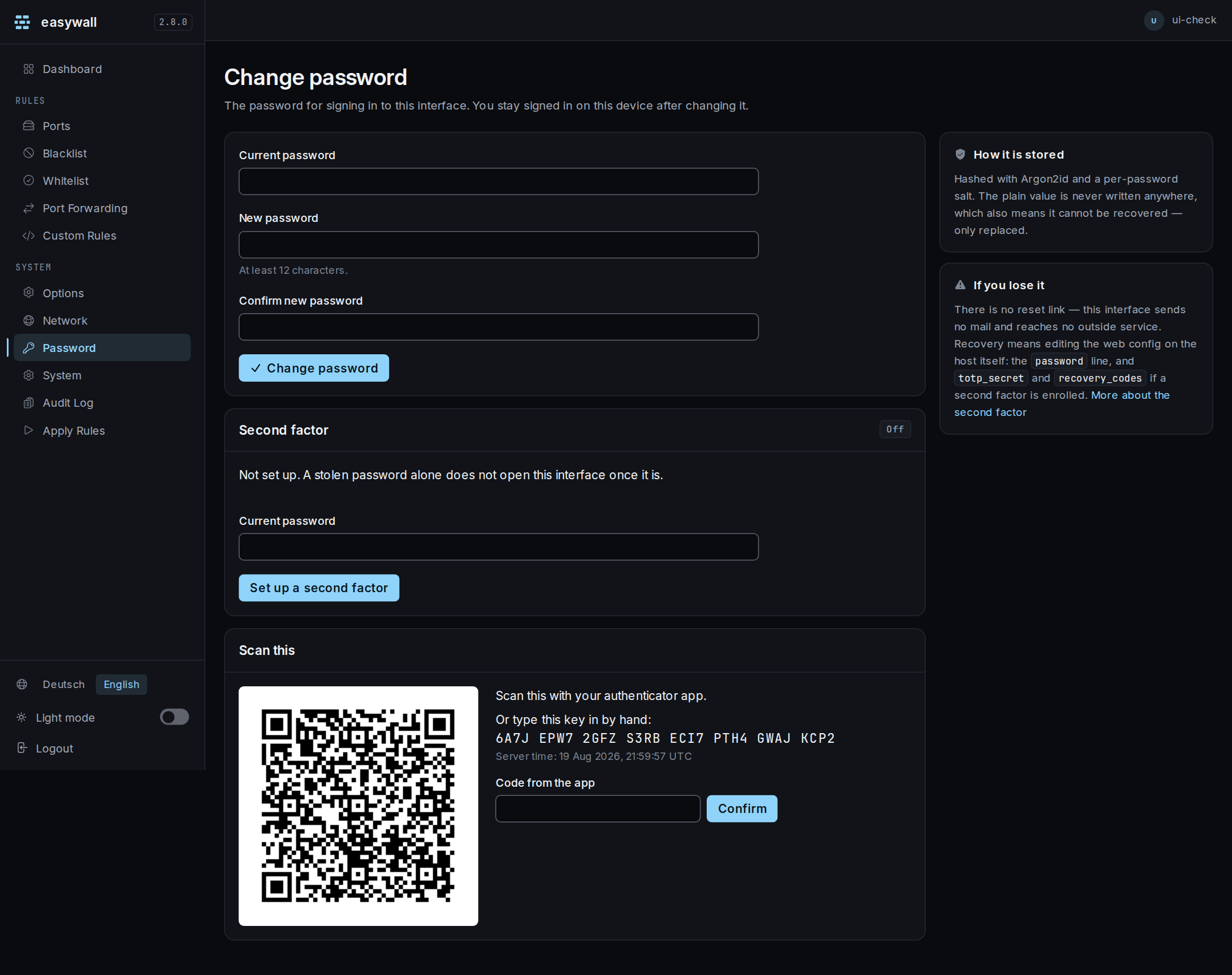
On the Password page, under Second factor:
| Step | What happens |
|---|---|
| 1 | Enter your current password and start setup. A QR code and a typed key appear — nothing is saved yet. |
| 2 | Scan the QR code with an authenticator app, or type the key in by hand. |
| 3 | Enter the six-digit code the app shows. Only now is the secret written, together with eight recovery codes. |
It can also be switched on during the first run, before this page exists to switch it on from — see First Run.
Passkeys
The other second factor: a device instead of six digits, and nothing to type. Password → Passkeys → Add a passkey, as many as you like — losing one phone should not lose the account. Name it and re-enter your password: enrolling a factor is a credential change, and every one of them on that page asks.
Two things have to be true first. If either is not, there is no button to press — the card says which one is in the way instead of failing in the browser:
| Precondition | Why |
|---|---|
hostname in [tls] |
WebAuthn’s Relying Party ID must be a registrable name. An installation reached at https://192.168.1.10:12227 has none |
| A certificate the browser trusts | Chrome refuses WebAuthn outright on a certificate error, and the pair easywall generates for itself is one. ACME, in that same [tls] table, fixes it |
| The browser reaching easywall directly | A passkey is bound to the exact origin the browser used, and easywall expects its own address and port. Through a reverse proxy the two differ and every ceremony is refused — giving easywall a trusted certificate behind the proxy satisfies the row above without fixing this one |
A password manager’s injected scripts are refused by the page’s content security policy, which fills the browser console on this page and is the policy working rather than a fault. easywall’s own script carries the nonce; nothing injected does.
A passkey satisfies the requirement on its own. That is also the trap in the way back: it is a third place a factor lives, and not the file the other two are in.
The eight codes
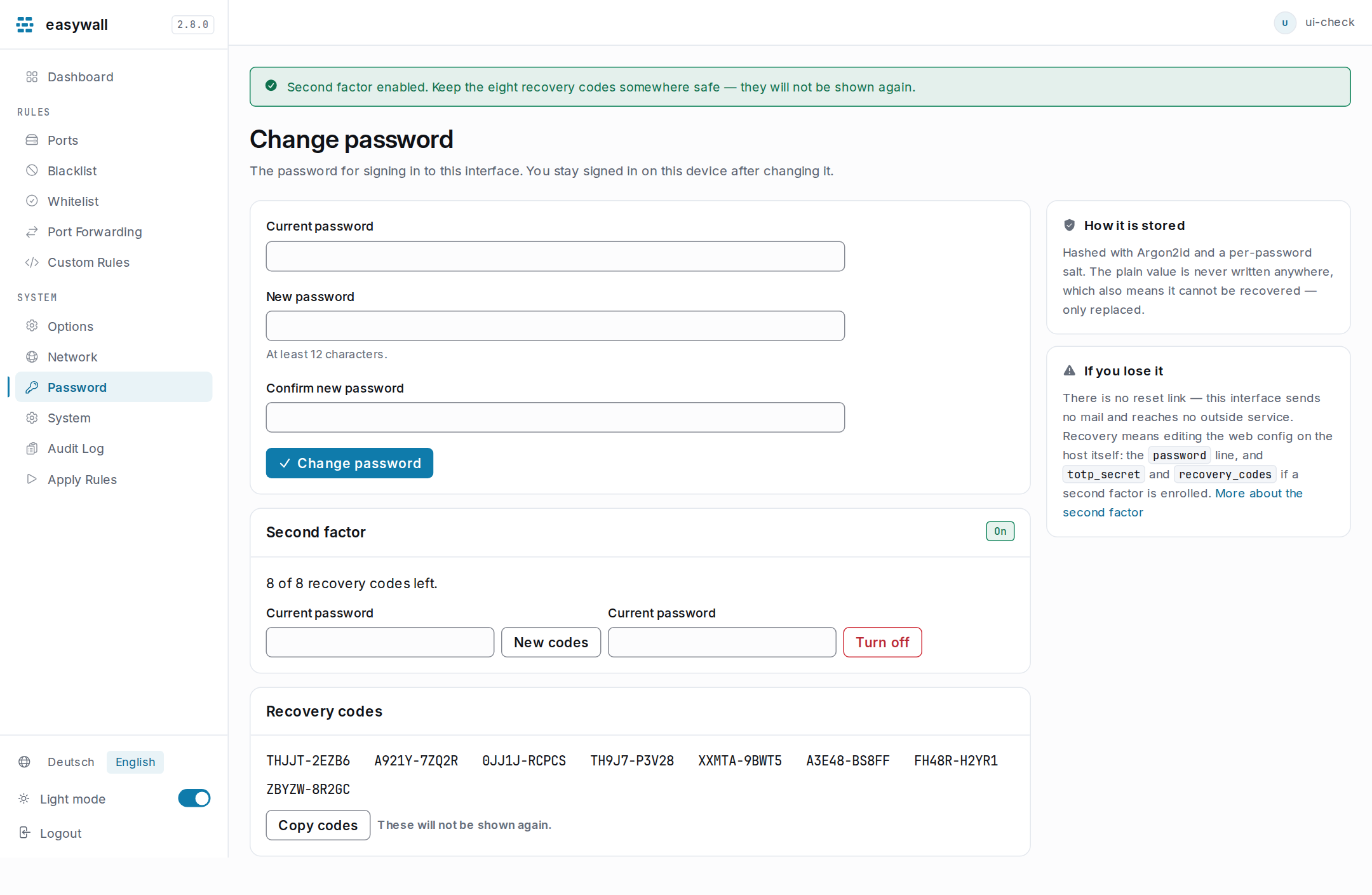
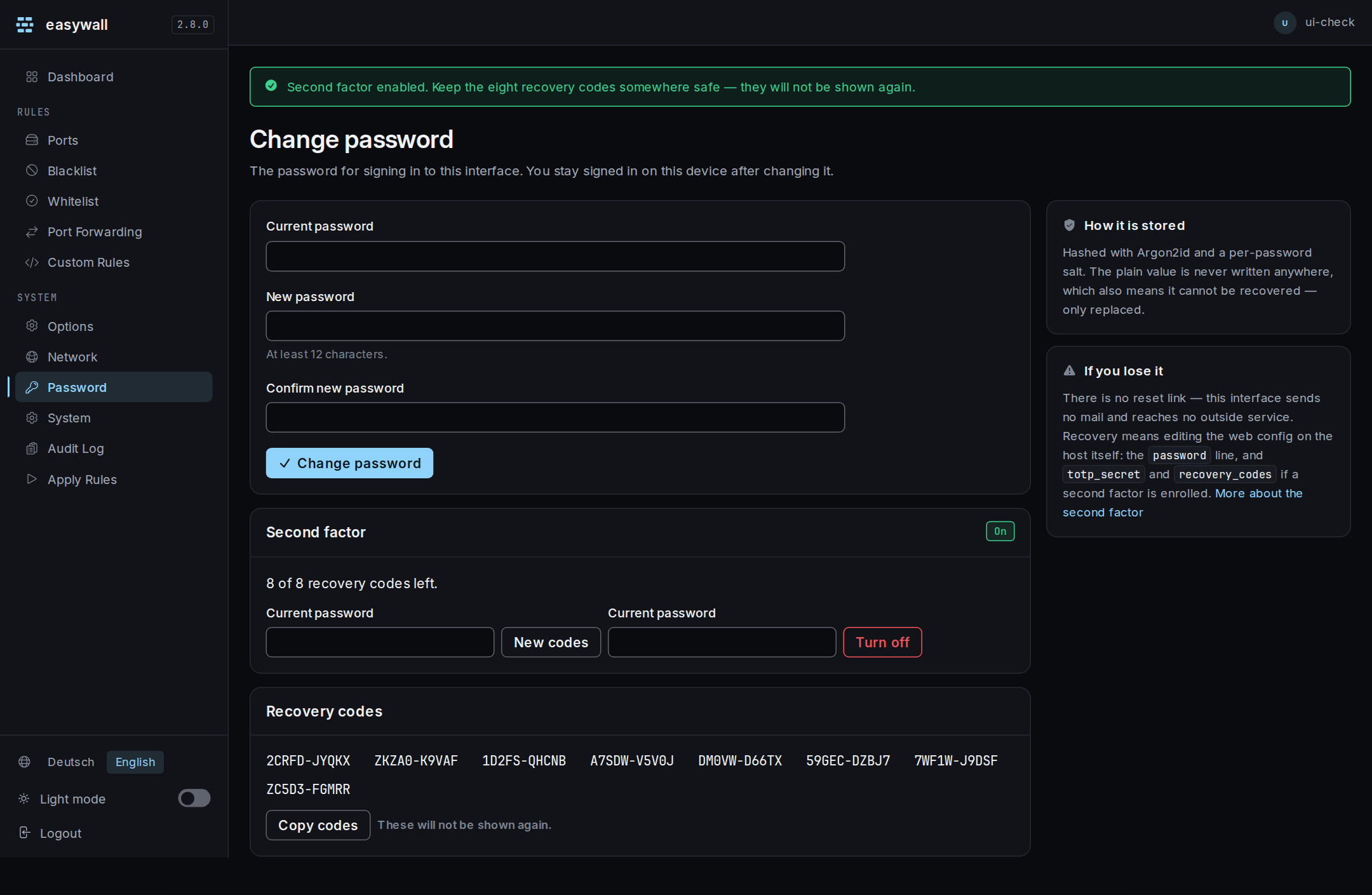
The eight recovery codes are shown once, on the same page, right after the setup succeeds — these will not be shown again. There is nothing to download; write them down or put them in a password manager before leaving this page. There is no page or link that can produce them a second time. Only losing the phone and using one, or generating a fresh set, brings the count back into view. Reloading the page afterwards shows that a factor is enrolled, and how many of the eight are left, and nothing more.
Password → Second factor → New codes issues eight fresh ones and invalidates every old one, at any time — not only after losing the phone.
Signing in
| Step | What happens |
|---|---|
| 1 | Username and password, as before |
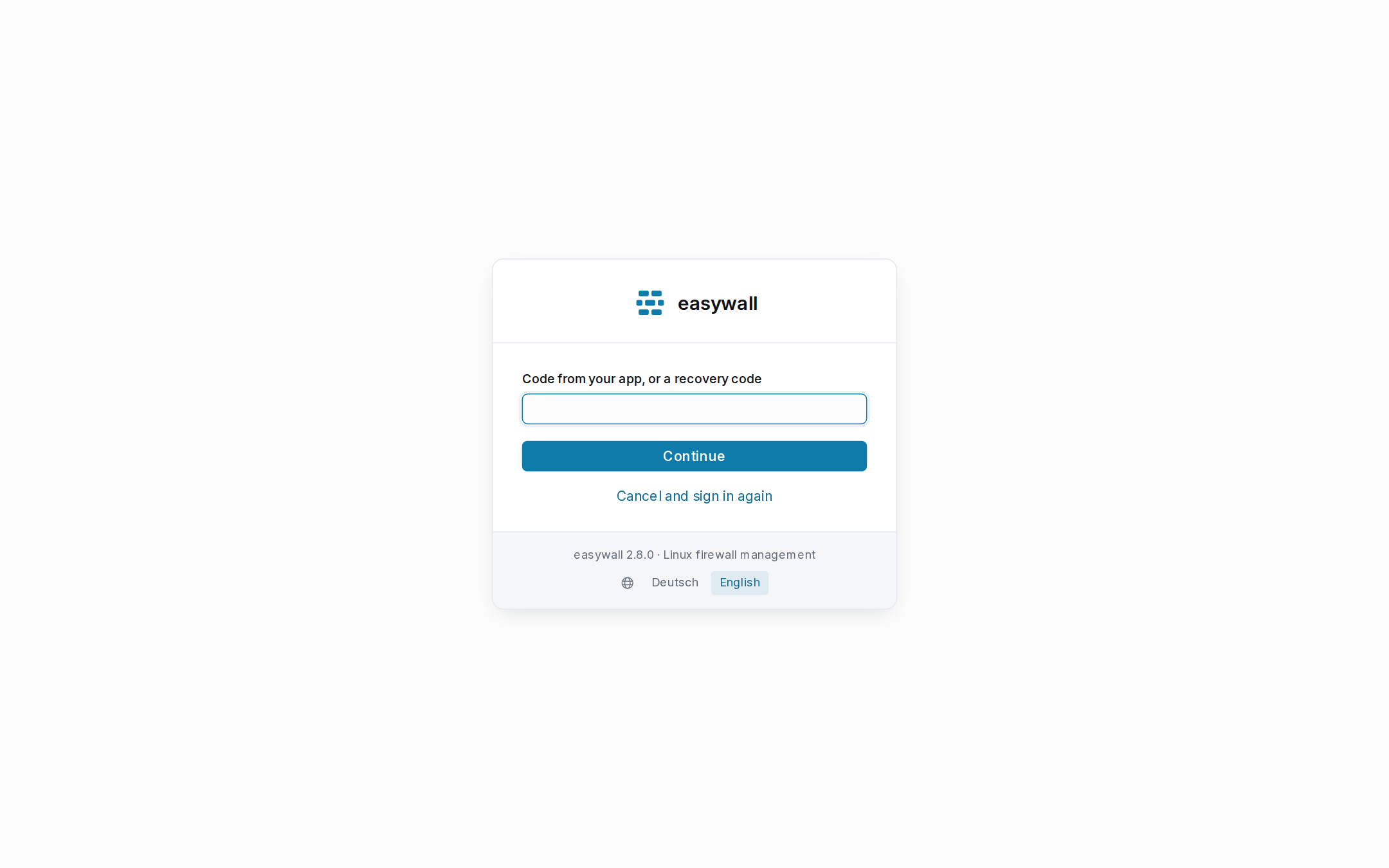
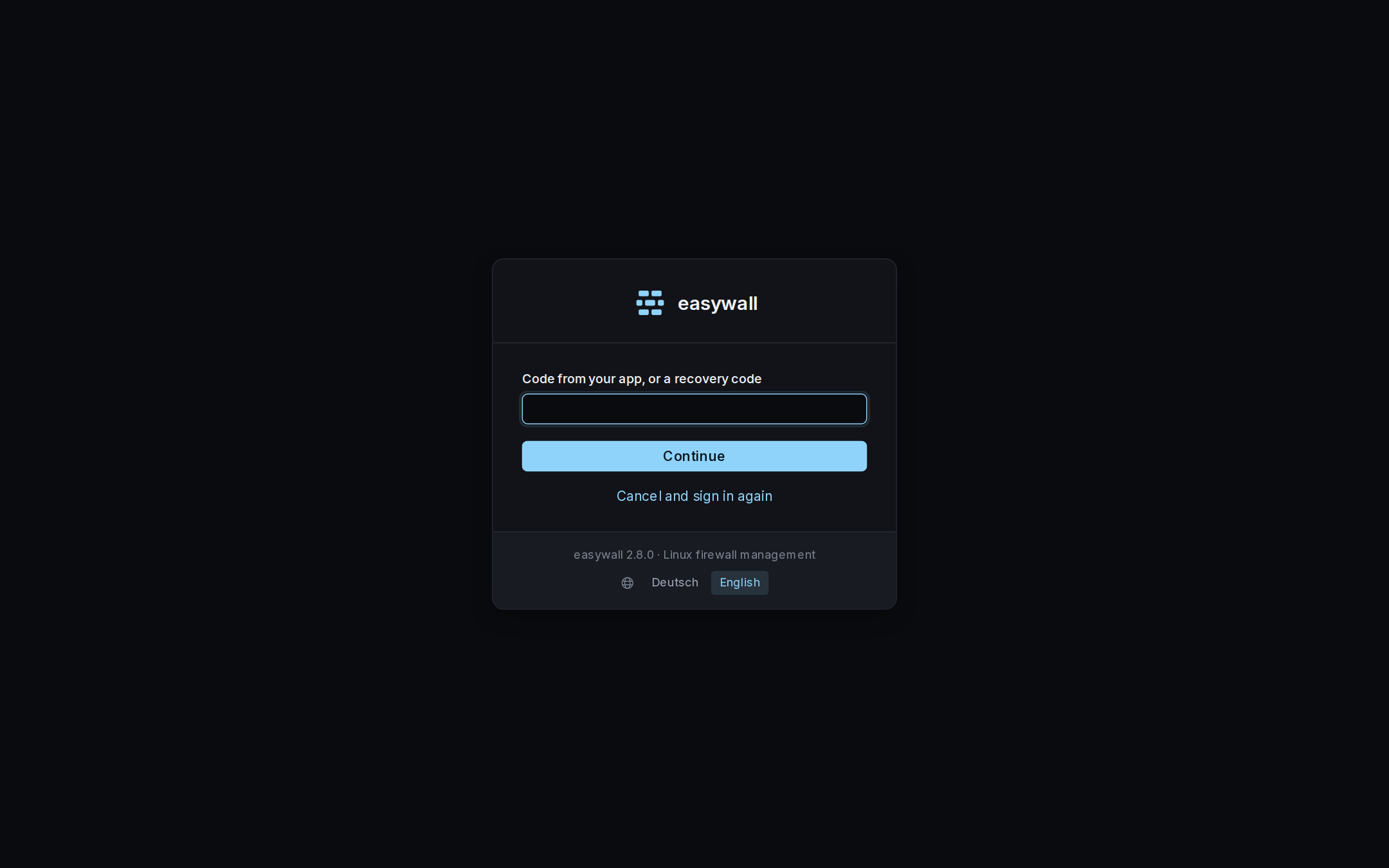
| 2 | Six digits from your authenticator app, or one of the eight recovery codes in the same field — or the passkey button, when one is enrolled and offerable |
Three wrong codes and you are back at the sign-in form. Nothing tells you whether the password or the code was the problem, and nothing counts down for you.
The password step ends in that second screen and nowhere else. With a factor enrolled, entering the right password issues no session at all — only an intermediate state bound to the credentials it was issued under. Changing the password ends any half-login still waiting at the second step, the same way it ends a finished one.
The clock
The setup page shows the server’s own clock, in words, next to the QR code — not the sign-in page, deliberately. TOTP has no shared secret exchange at the moment you type a code. It only works because both sides compute the same thing from the same secret and the same 30-second time step. Setup is the one moment an operator can still compare the phone’s clock against the server’s before anything is committed. It is also the moment a mismatch is cheapest to fix — nothing is enrolled yet.
If the code you type at setup is right but does not match the current time step, that is the diagnosis. The app and the server disagree about the time, not about the secret. The page says which way and by roughly how much. A phone with the correct time and a server with the wrong one looks, from the six digits alone, exactly like a mistyped key. Fixing the wrong thing is how people lock themselves out of their own firewall.
The way back
If you lose the phone
Use a recovery code. It signs you in once and is then gone. The interface says how many are left. Password → Second factor → New codes issues eight fresh ones and invalidates every old one.
If you lose every factor
Three things hold a second factor, not two, and they are not all in one file.
Clearing only the first two leaves the passkey standing, and /login/verify
still asks for it:
| Clear | Where |
|---|---|
totp_secret = "" |
web.toml on the host |
recovery_codes = [] |
web.toml on the host |
delete passkeys.json |
web/ in your data_dir — /var/lib/easywall/web unless you changed it |
Restart easywall-web. The password alone signs you in again — onto
Password → Second factor, where you enrol a new one before the rest of the
interface opens. Clearing all three is the way back in, not a way to run
without a factor. There is no reset link: this interface sends no mail and
reaches no outside service.
Every step above — enrolling, signing in with a code, using a recovery code, issuing new ones, a wrong code, or a factor switched off — is recorded. See the thirteen login events.